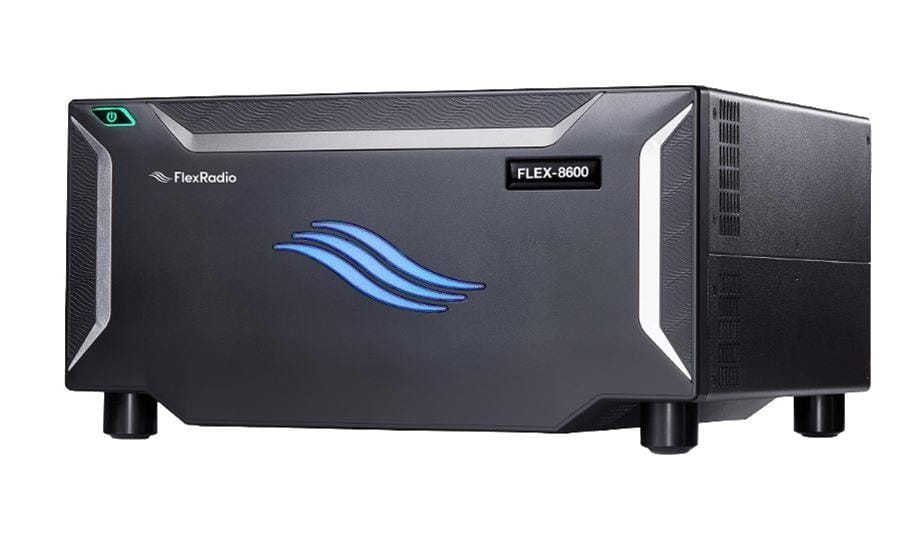
For serious contesters, the pursuit of rate and multiplier efficiency is a never-ending journey. Traditional Single-Operator Two-Radio (SO2R) setups often require a mountain of external hardware: complex bandpass filter matrices, external audio switches, and intricate interlocking cabling to protect receivers.
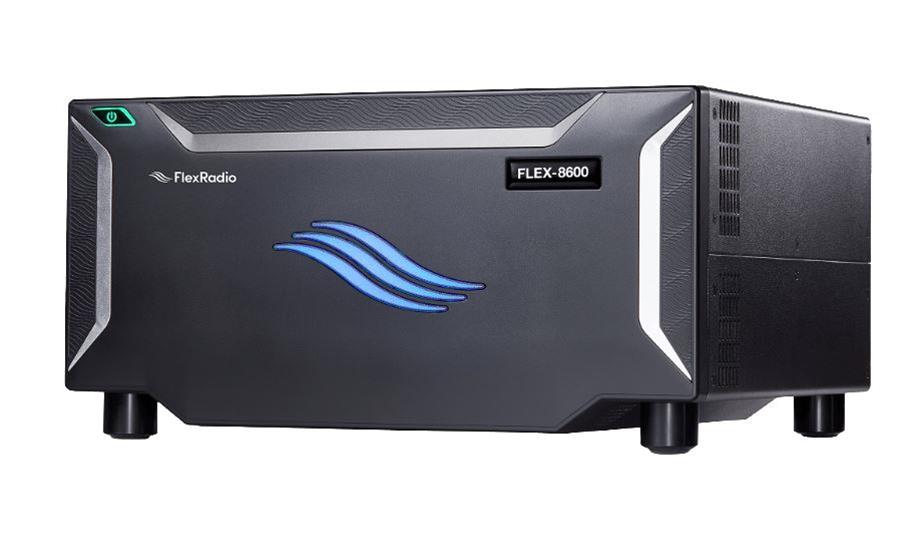
However, Software Defined Radio (SDR) technology has fundamentally transformed this landscape. Specifically, the FlexRadio 6600, 6700, and 8600 series offer powerful, integrated platforms capable of handling true SO2R and even Two-Bands Synchronized Interleaved QSOs (2BSIQ) with a remarkably streamlined hardware footprint.
I have personally experimented and competitively done contests with Flex 6600/8600s both remote and in-person, with little to no compromise. Even casual FT8 operation with synchronization of TX/RX cycles on two different bands is easily achieved, virtually doubling the amount of QSOs that can be completed in an hour.
While this article briefly describes how to set up your Flex 6600, 6700, or 8600 for SO2R within the CW mode and paired with the N1MM+ contest logger, a more comprehensive overview can be found in this document provided by FlexRadio. All vocabulary used in this article is credited to FlexRadio.
Understanding the Hardware Architecture
At the heart of the FlexRadio 6600 and 8600 models lies a dual-synchronous receiver architecture featuring dual independent Spectral Capture Units (SCUs). Unlike traditional superheterodyne radios or single-SCU transceivers that rely on internal dynamic range sharing, a FlexRadio 6600/8600 provides two completely independent direct-sampling RF paths routed to two separate physical antenna ports. For a true SO2R setup, this architecture allows you to listen and transmit across two completely distinct bands simultaneously without internal front-end loading or inter-receiver interference.
Connecting the Core Ecosystem: SmartSDR & SmartCAT
Integrating your FlexRadio into an advanced contest logging ecosystem like N1MM+ for CW relies on two main software components operating in unison: SmartSDR and SmartCAT (SmartDAX is used with digital modes, like RTTY or FT8). For ease of explanation, we will only discuss SO2R on the Flex 6600/8600 within the CW mode.
SmartSDR Control
SmartSDR acts as your master console and visual interface. For SO2R operation, open SmartSDR and create two main slices. Slice A should be placed on a primary band such as 20 meters, routed to Antenna Port 1 and panned fully left in your headphones. Slice B should be placed on a secondary band such as 15 meters, routed to Antenna Port 2 and panned fully right in your headphones.
SmartCAT Port Mapping
SmartCAT serves as the essential virtual serial bridge and control layer operating between the FlexRadio hardware engine and N1MM+. To begin the configuration, launch SmartCAT and establish two independent virtual CAT COM port pairs, or dedicated TCP network ports if you prefer a network-based setup. The first virtual CAT port is assigned exclusively to “Radio 1” and Entry Window 1 in N1MM+, bound specifically to Slice A in SmartSDR. The second virtual CAT port is created for “Radio 2” and Entry Window 2, bound directly to Slice B.
For CW operation, you must establish dedicated keying pathways rather than relying on standard CAT command keying, which can introduce noticeable timing jitter. In SmartCAT, create a virtual WinKeyer emulation port. Unlike standard CAT ports, this virtual WinKeyer port can be shared or mapped simultaneously across both Slice A and Slice B, allowing N1MM+ to issue precise, low-latency CW keying commands to whichever slice currently holds transmit focus.
To complete the SO2R software integration, SmartCAT must also host an Open Transmitter Receiver Sharing Protocol (OTRSP) virtual port. By creating an OTRSP device port within SmartCAT, you enable N1MM+ to send standardized switching matrix commands directly into the FlexRadio core. This allows your logging software to control advanced audio routing, ear-select toggling, and transmit focus switching seamlessly between Slices A and B without relying on external physical hardware switchers.
Software Simplicity Meets High-Rate Performance
The true power of the FlexRadio architecture lies in its ability to eliminate the physical rat’s nest of traditional SO2R stations while delivering compromise-free performance. By replacing external audio SO2R boxes, physical cables, and hardware keyers with SmartSDR slices, SmartCAT virtual COM ports, WinKeyer emulation, and OTRSP protocol control, you build a cleaner, faster, and far more reliable station, whether operating locally from your desk or remotely.
While mastering SO2R and 2BSIQ takes practice and operator discipline, the software foundation outlined here provides a seamless, robust environment to take your contesting capabilities to the top of the leaderboard, without worrying about intricate hardware during high-rate hours.
The post Mastering SO2R & 2BSIQ with the FlexRadio 6600 & 8600 Series appeared first on OnAllBands.
OnAllBands