Category: Blog

Your blog category

  • Tom Salzer KJ7TRandom Wire 190: Deep Dive into the Push-to-Talk Over Cellular Radio Space​Random Wire℠

    Tom Salzer KJ7TRandom Wire 190: Deep Dive into the Push-to-Talk Over Cellular Radio Space​Random Wire℠

    1. QRV: Are You Ready?

    This week has raced by. It’s Thursday as I type this, and I’m behind schedule because of, well, life.

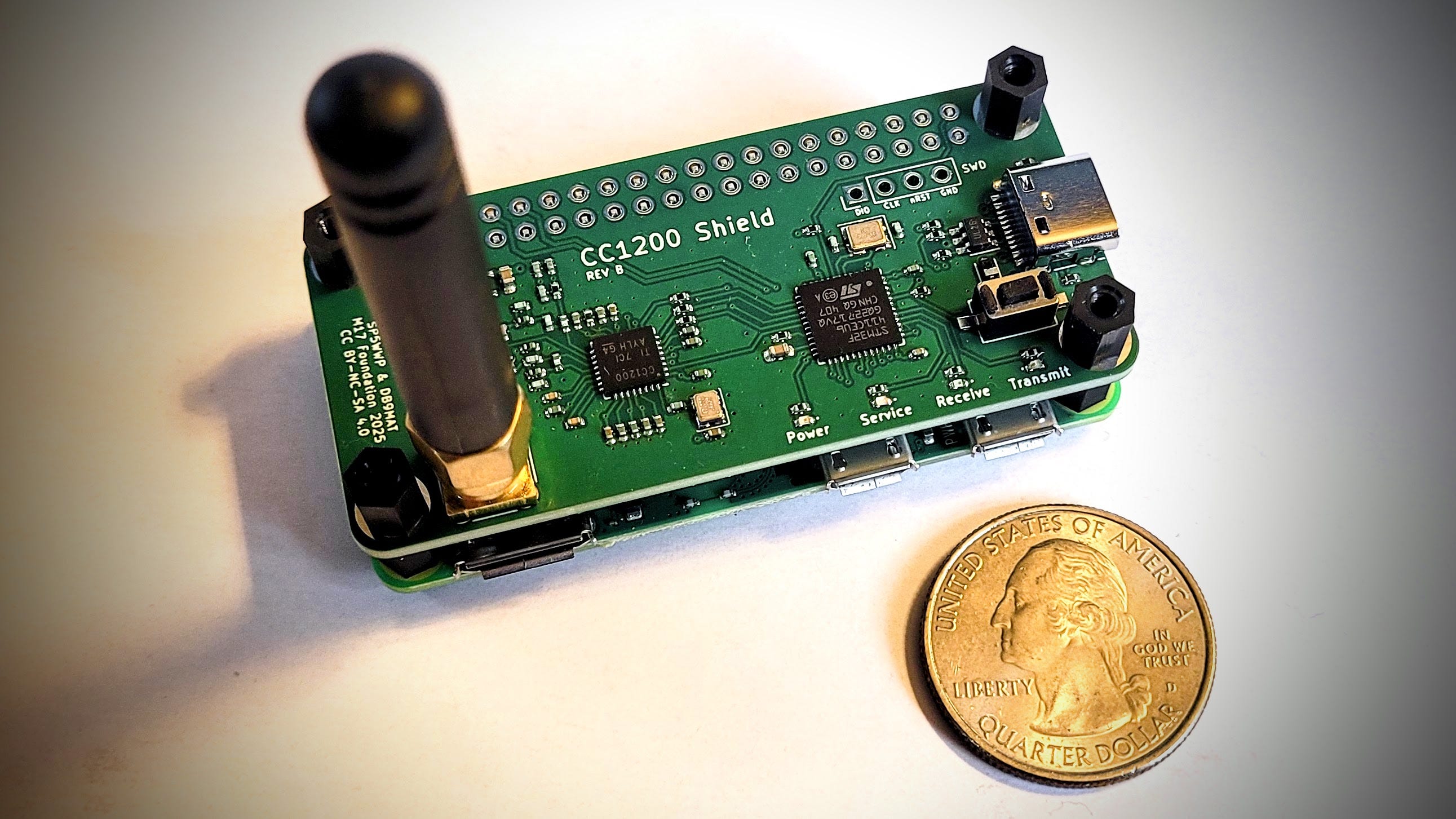
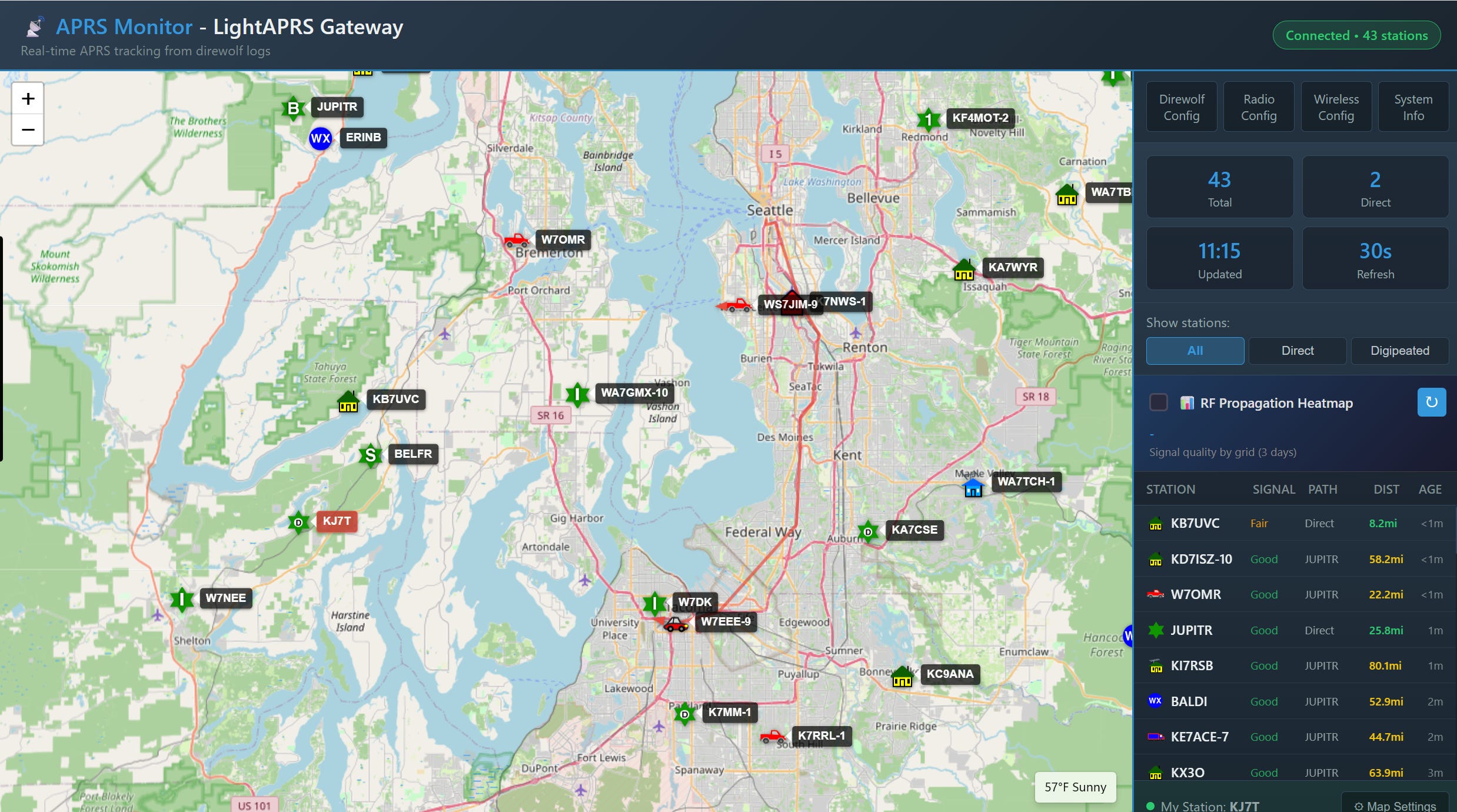
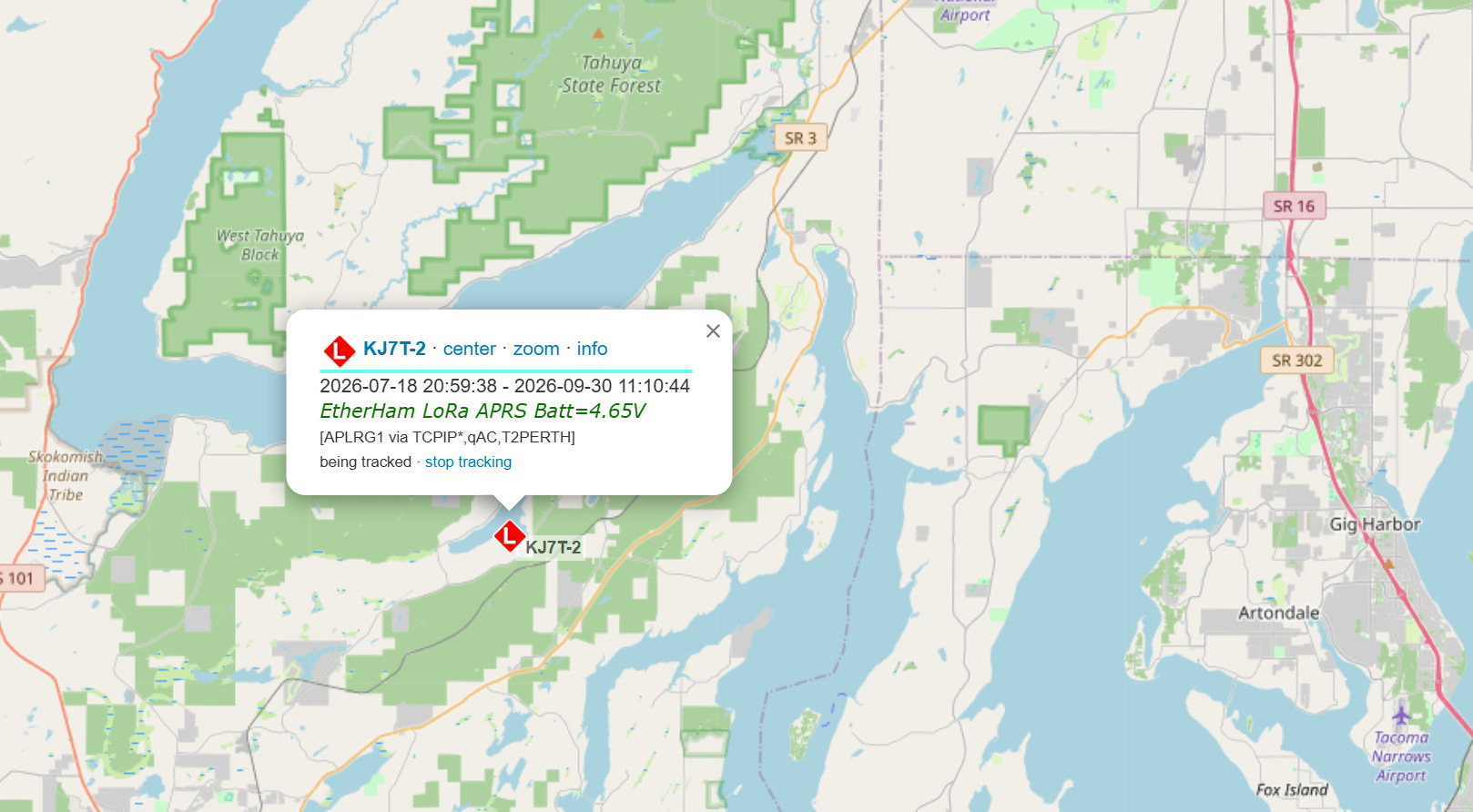
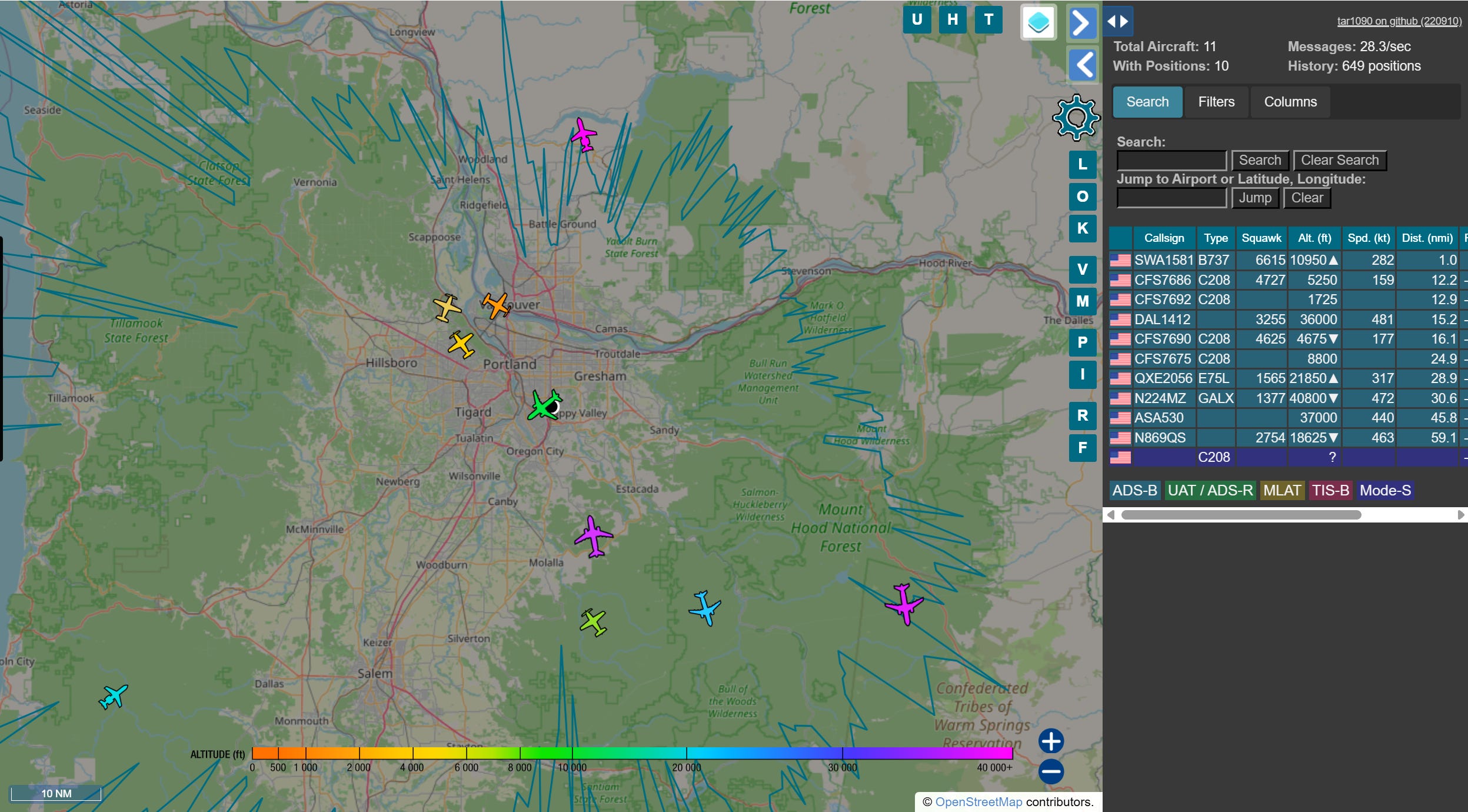
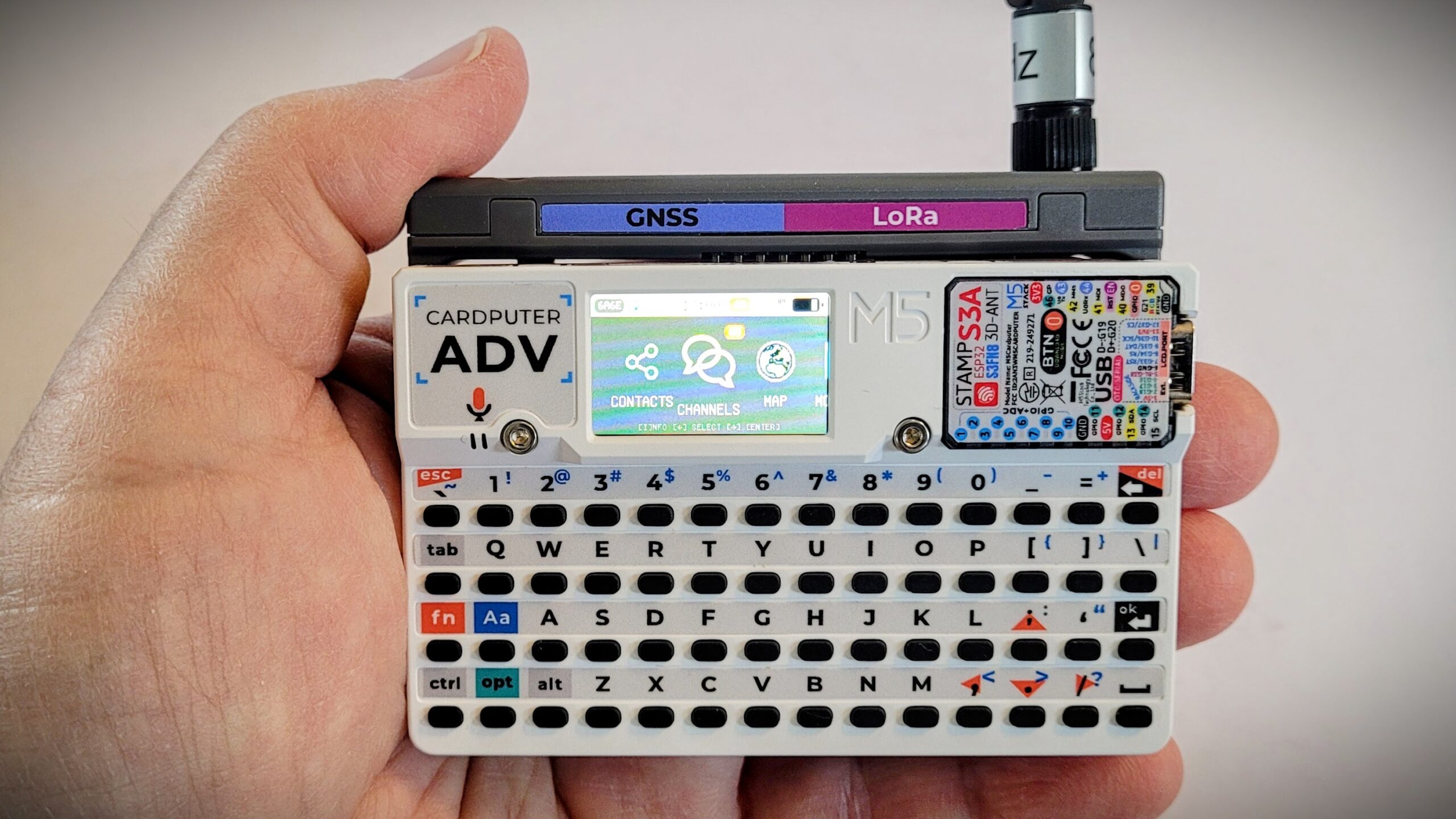
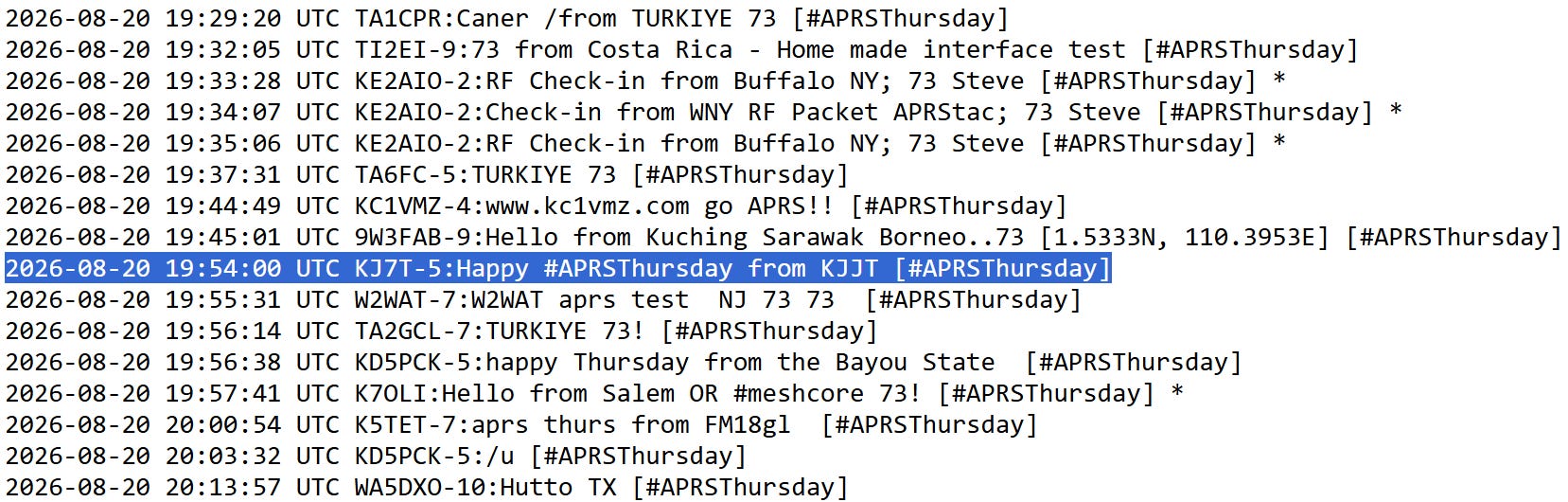
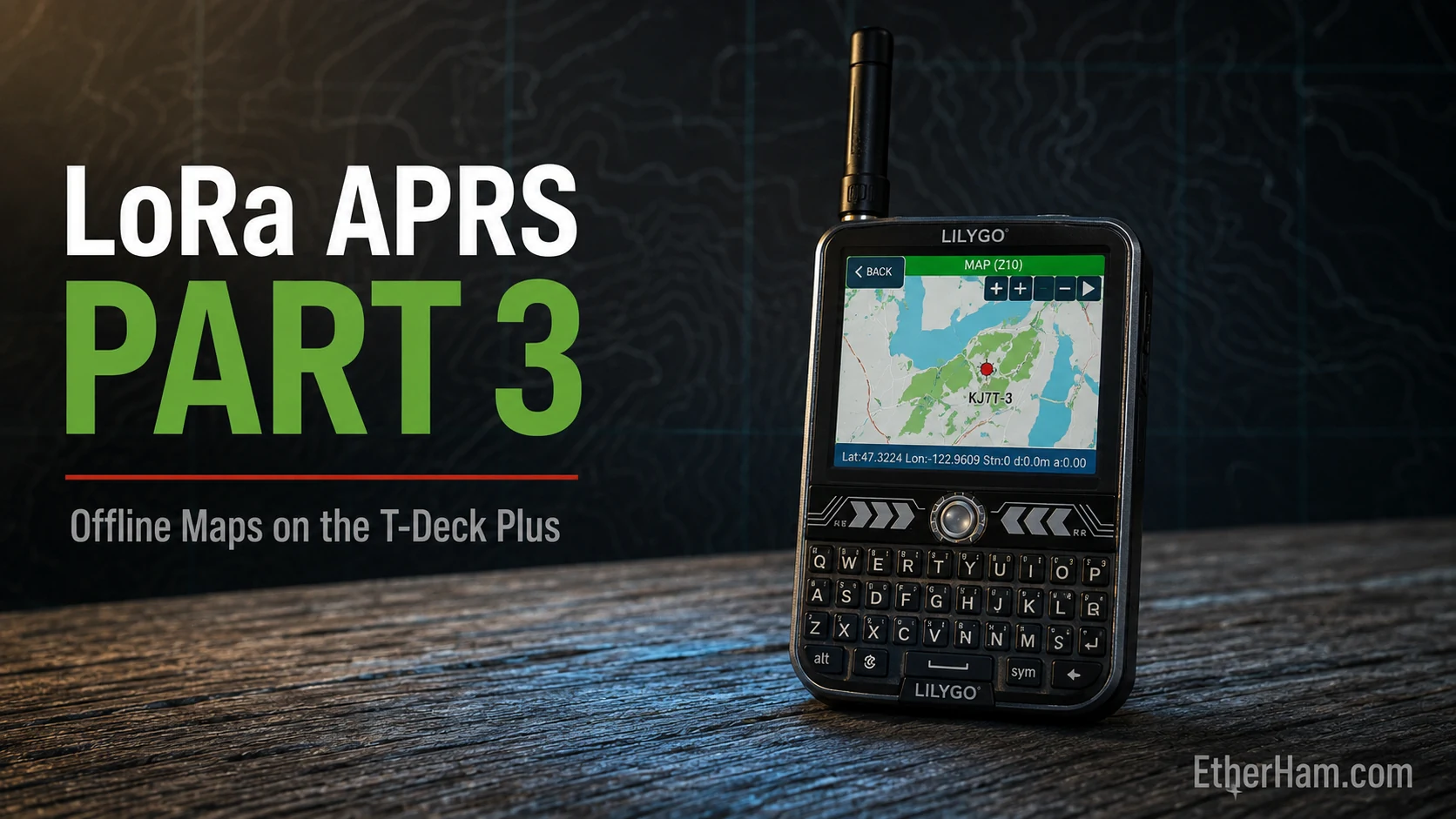
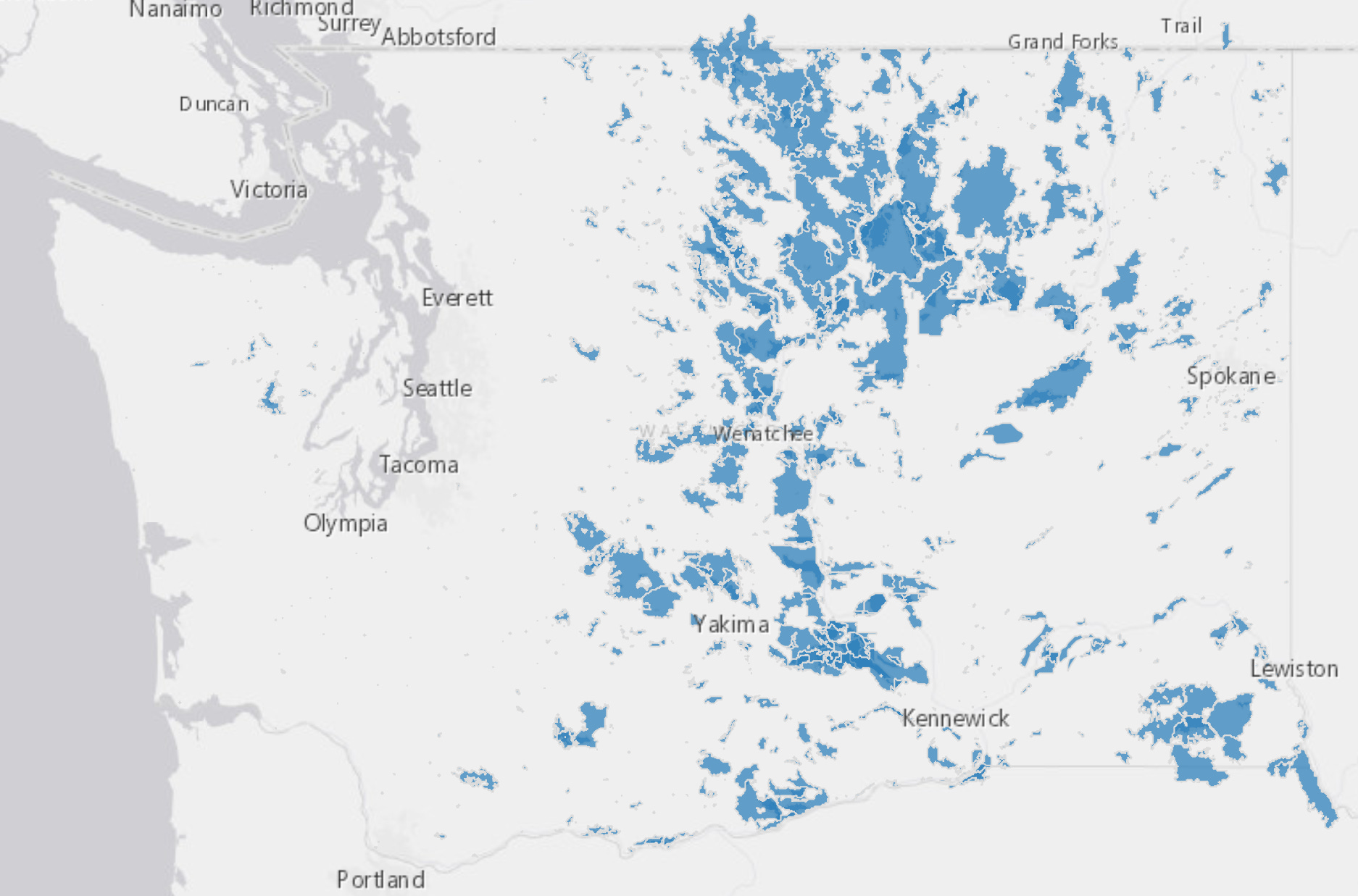
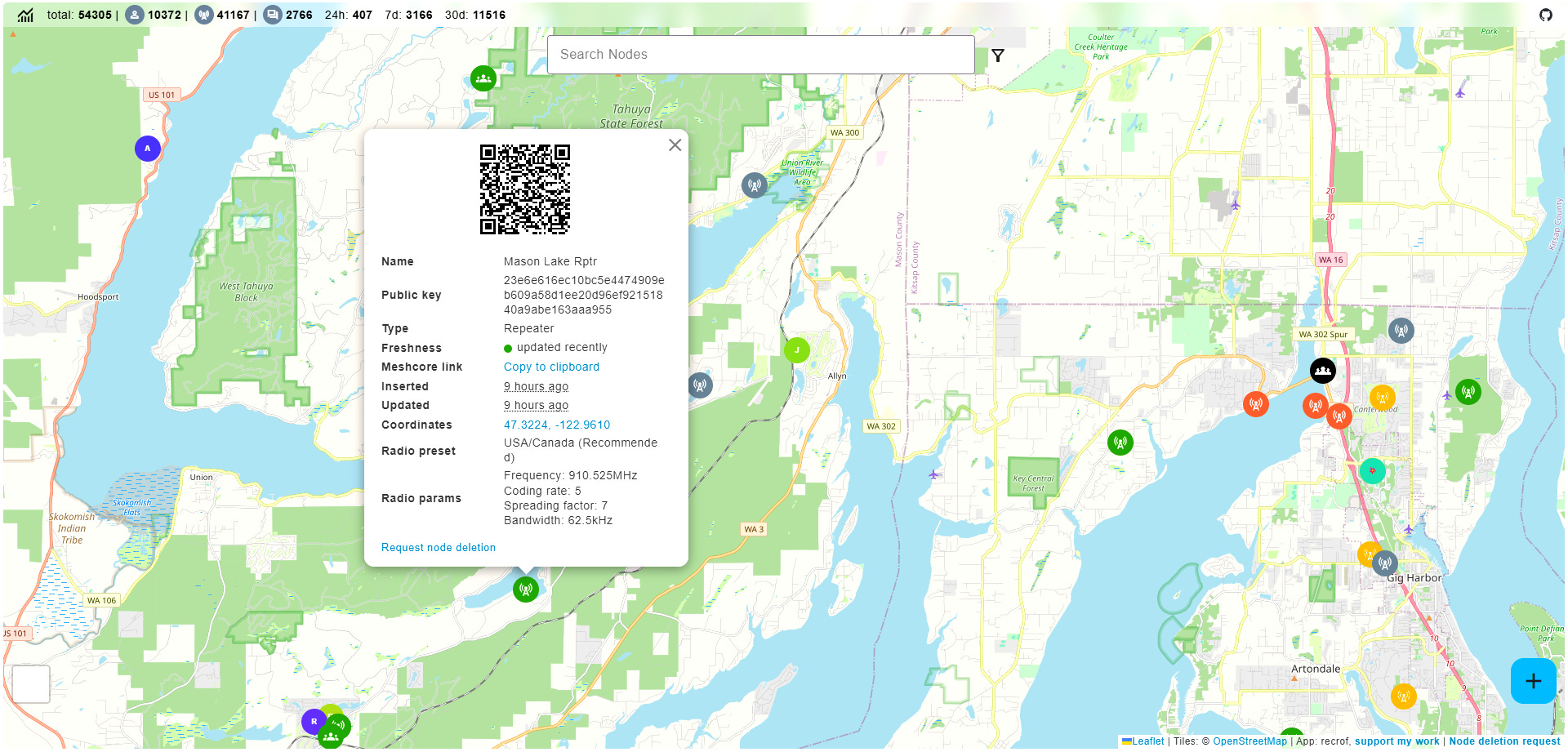
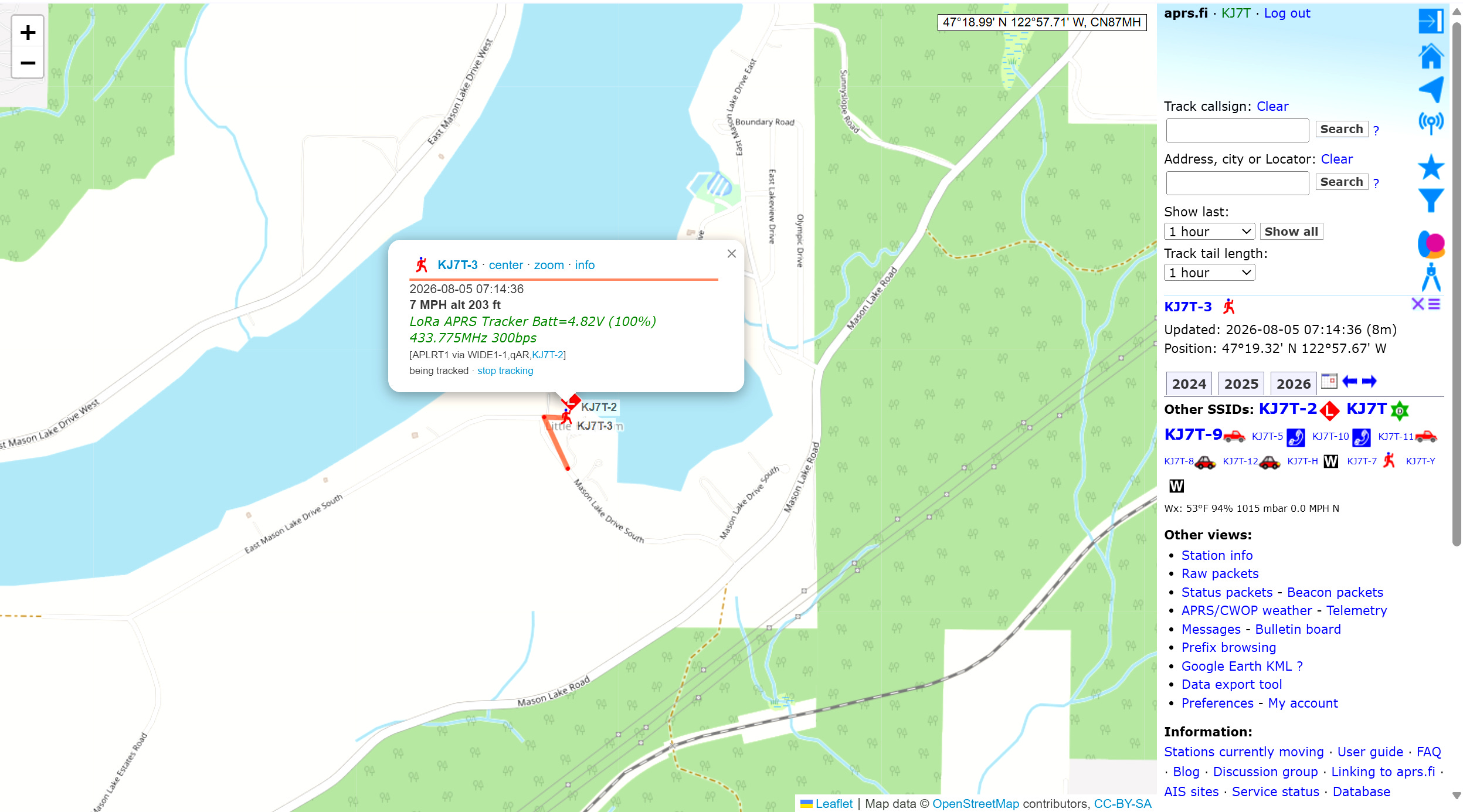
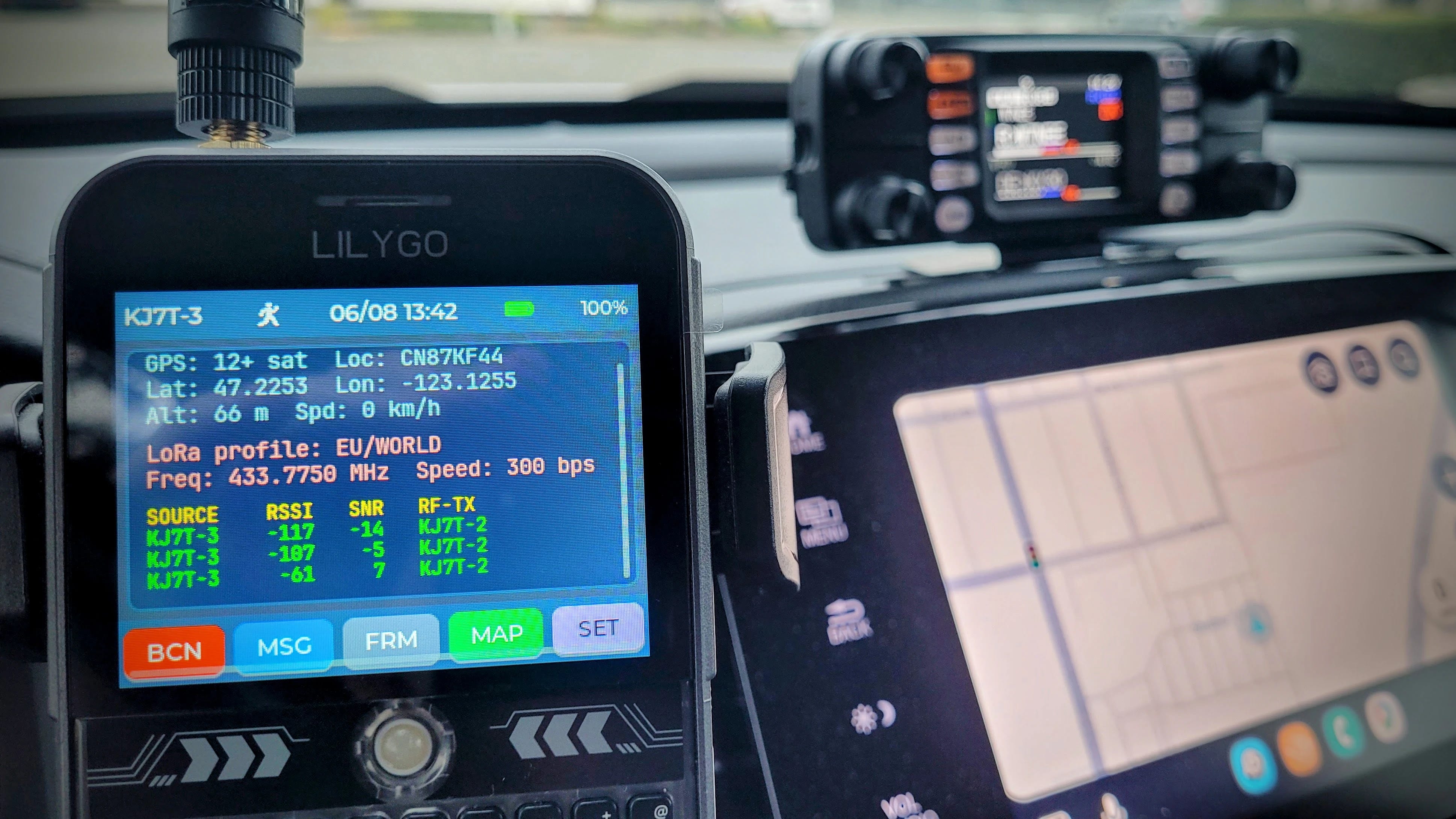
    On the good news front, I got my LightAPRS Gateway device working. The story is on EtherHam. What I didn’t write about is learning about APRS over LoRa 70cm radio. While that has nothing to do with the LightAPRS device, it does touch APRS. I’m curious about this so I ordered a device (T-Deck Plus with GPS on 433MHz) to experiment with. Here’s the kicker, though: when I look at a map of APRS stations using LoRa, I find exactly one in Washington State. It’s an APRS-over-LoRa desert here. However, if I get my device running properly, maybe I can make a contact with the other station about 30 miles away. I might have to find a hill with line-of-sight to Seattle to make this happen. We’ll see!

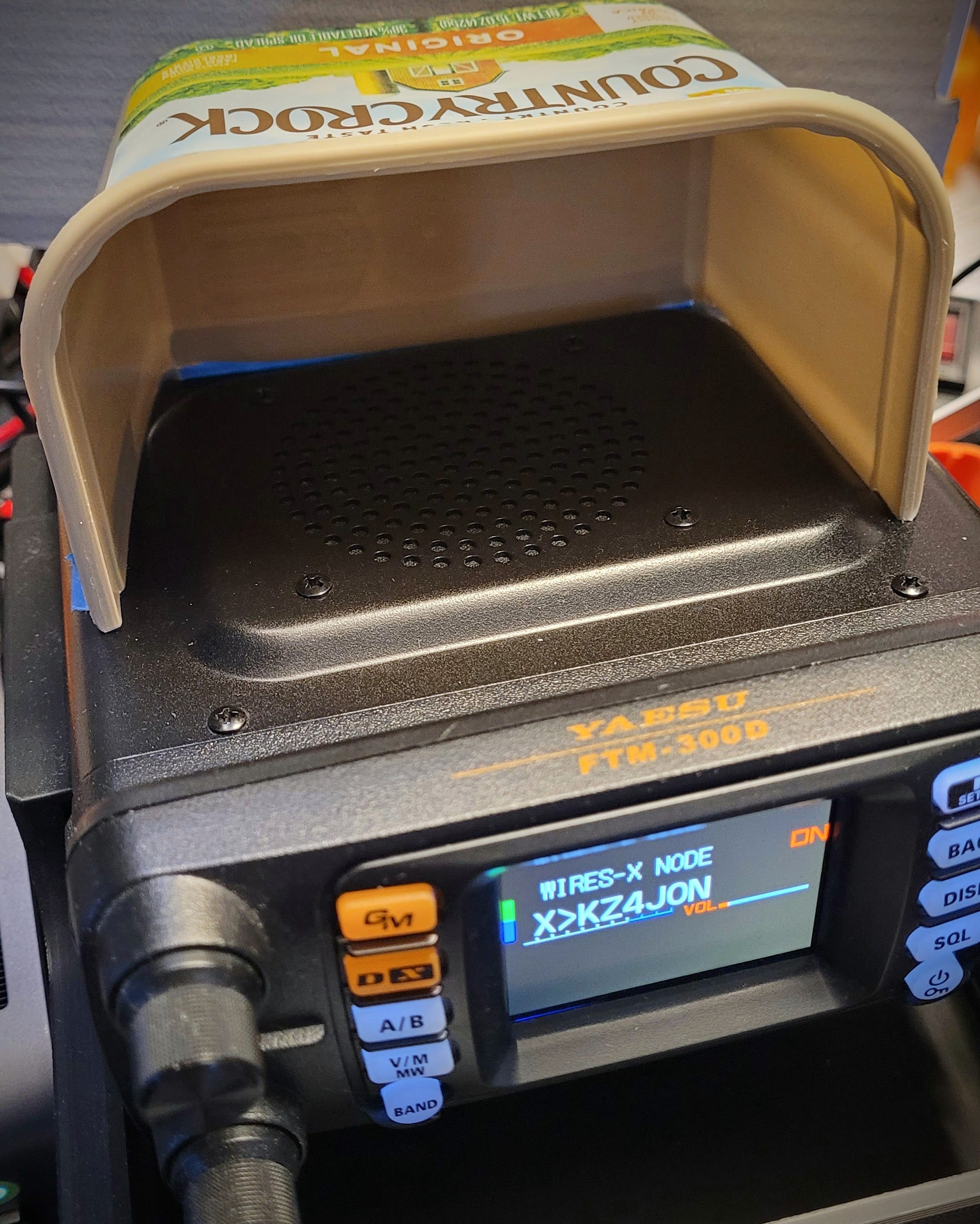
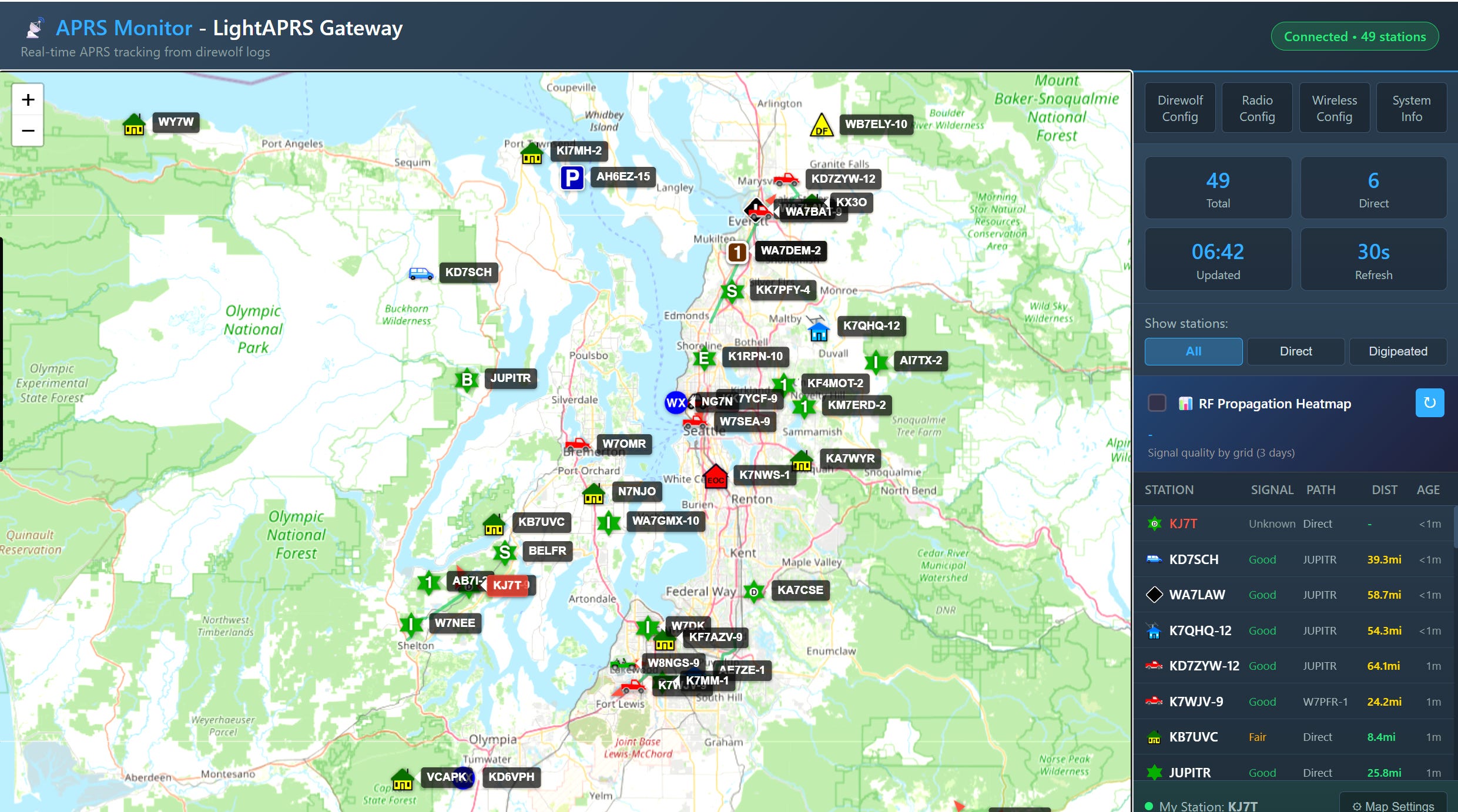
    For the LightAPRS device, I have a small dipole VHF antenna coming. I intended to set that a bit higher in the air on a fiberglass painter pole because I’d like to get a better signal in and out of the digi. I’m feeling pretty good about one watt through a small mag-mount, though:

    2. Thank You…Supporters!

    I have several people to thank for their support over the past few months. Most support comes in through the “buy me a coffee” system but there have also been EtherHam store purchases. Everything helps and is greatly appreciated.

    3. New on EtherHam

    • Buying Push-to-Talk Over Cellular Without Getting Taken — I researched the current market, and this sent me down a deep rabbit hole. The push-to-talk over cellular field is confusing, and that confusion leans in favor of vendors, not buyers. If you’re thinking about buying one, or you already bought one and discovered it wasn’t quite what you expected, this guide walks through what nobody tells you upfront — using a car-lot analogy that will feel uncomfortably familiar. Read more in this EtherHam-exclusive guide.

    • Concept: Using the Arduino UNO Q for Home Power Monitoring — What really drew me to this idea was the Arduino UNO Q’s split-brain design: one board handling both real-time sensor capture and higher-level computing. These are jobs that used to require two separate devices. I sketched out (conceptually — not yet built) a whole-house power monitor with non-contact current clamps on the split-phase legs and an isolated voltage sensor. These are all read by the microcontroller side while Linux handles the math, logging, and dashboarding — no direct contact with bare conductors, ever. Full write-up, with parts list, firmware split, and dashboard options, is up on EtherHam.

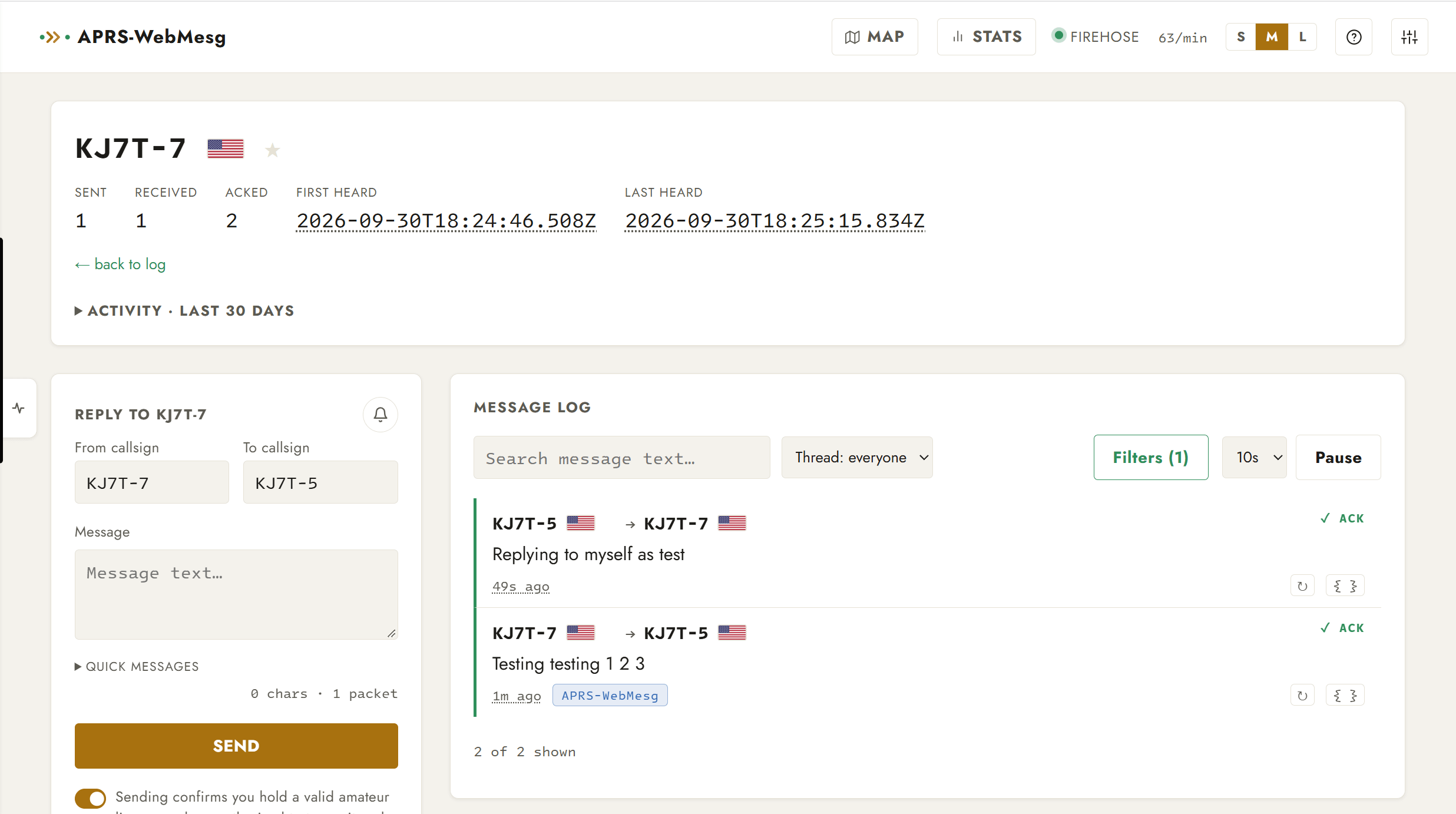
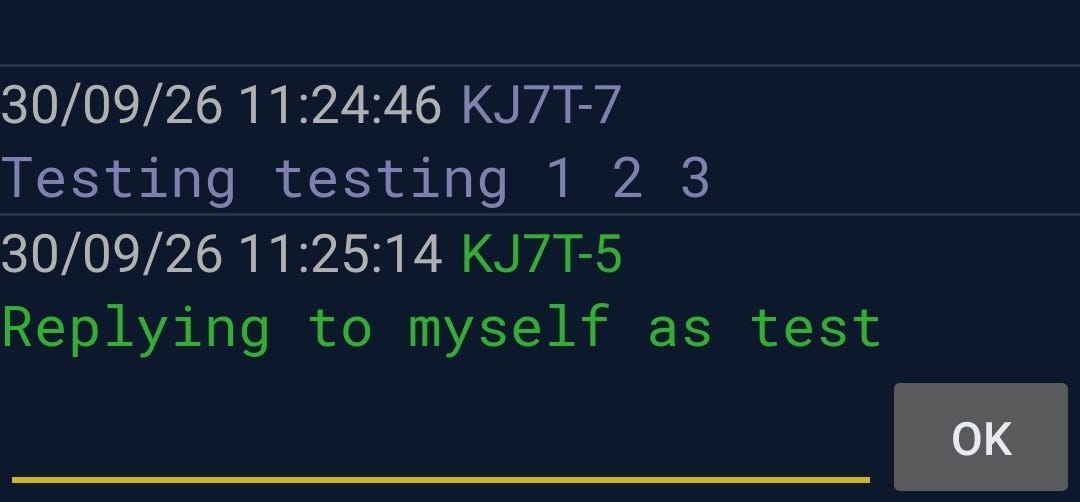
    • LightAPRS Gateway iGate Beacon Success — Troubleshooting Log — A week of ruling out CGNAT, firewalls, servers, and a suspicious libc6 upgrade led nowhere. The real fix turned out to be something I hadn’t considered: the callsign’s SSID itself. This post walks through the manual nc tests, the reboot comparisons, and the variable-isolation process that finally got KJ7T’s iGate beacons landing on aprs.fi — even though the server-side root cause remains a mystery. Bottom line: the digipeater is now working well, and I feel comfortable recommending the LightAPRS Digipeater, available from QRP Labs, as a fill-in digipeater and igate.

    • Crossing the Chasm: Which Amateur Radio Technologies Actually Made It — Why did DMR and FT8 become fixtures in the shack while D-STAR and Fusion have not yet achieved that status? This piece maps ham radio’s real technology winners and still-rising projects — CW, SSB, FM, AllStarLink, AREDN mesh, and more — onto the classic “crossing the chasm” adoption curve. Borrowing a framework shared by an amateur radio friend, it asks what actually separates a solved problem from a brilliant piece of engineering still waiting for its moment. Along the way, it builds context to help you place your own favorite radios, modes, and projects on that same curve.

    • Weekly Report: July 9, 2026 — The weekly report covers band conditions, digital radio news, and a digest of Groups.io messages. The Repeater Builder group was the most active this week with 142 messages posted.

    4. QSO One: A New Way onto AllStarLink

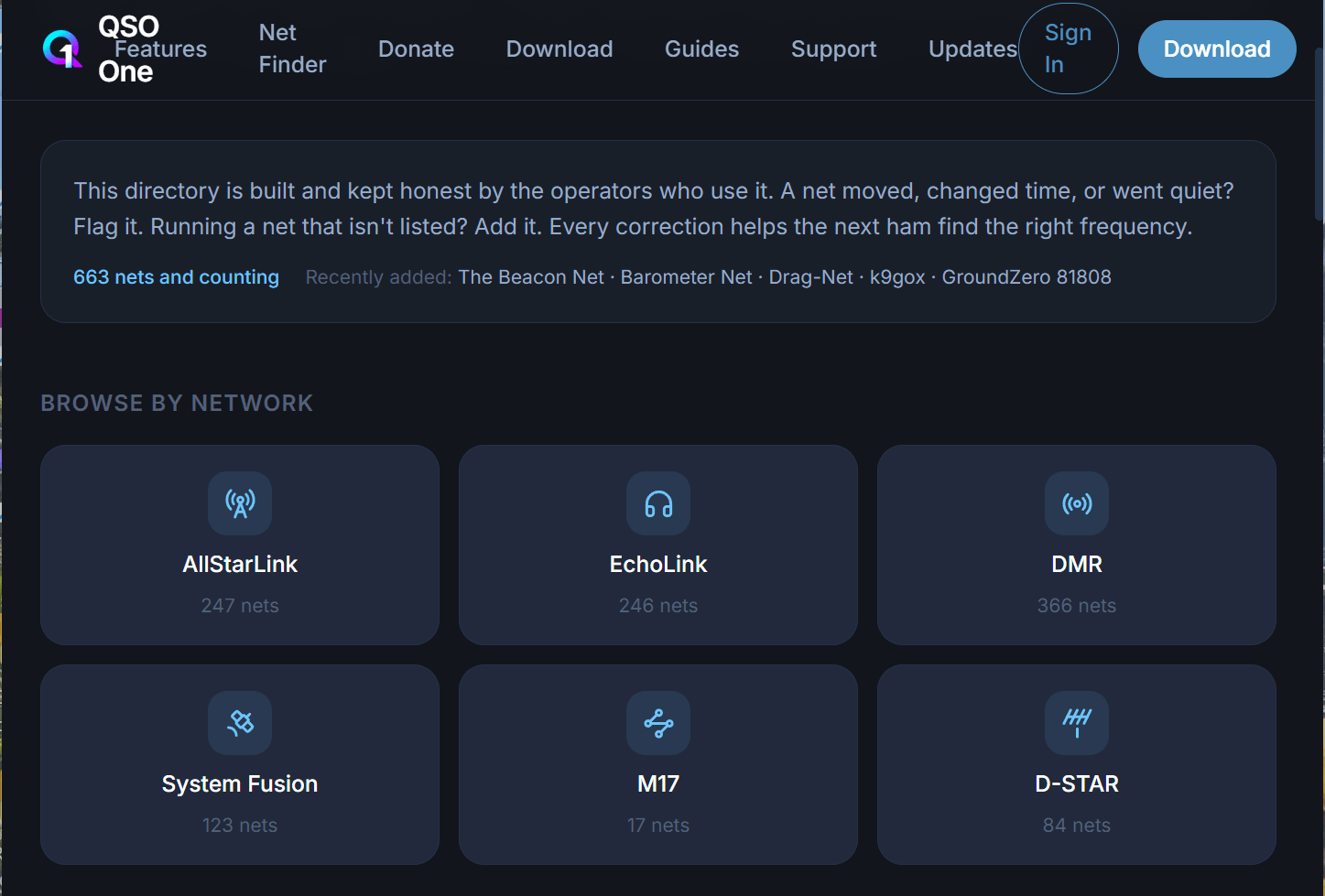
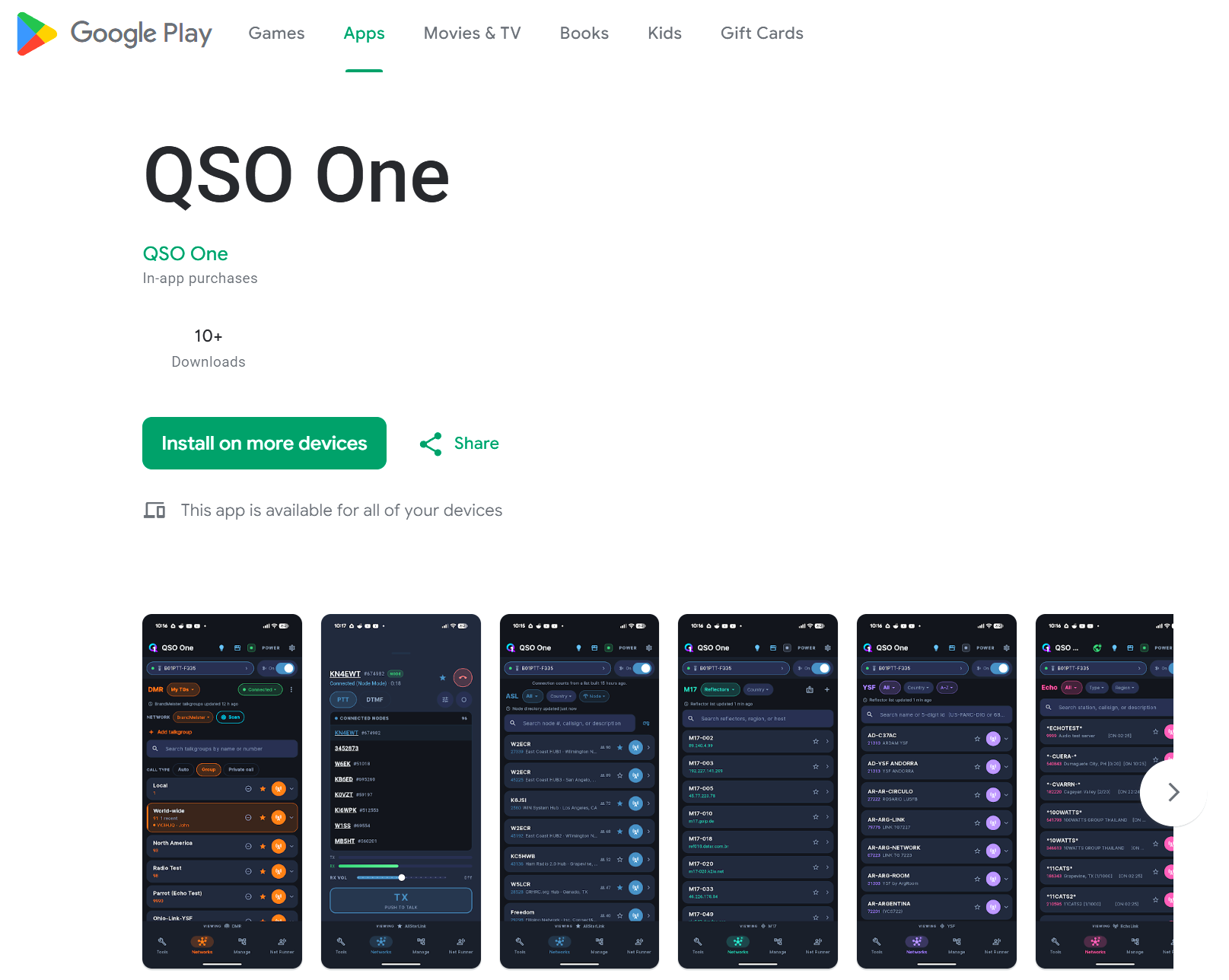
    There’s a new app making the rounds in the AllStarLink and EchoLink space, and it’s worth a mention here even though I’m not ready to give it the full workbench treatment over at EtherHam. It’s called QSO One, and the pitch is simple: get on AllStarLink, EchoLink, DMR, and M17 from a Windows PC or Android phone, with no node to build, no hotspot to flash, and no radio interface to wire up. Twenty-five dollars, five minutes, and you’re keyed up.

    I’ve spent some time this week reading through the developer’s own posts on the AllStarLink community forum, and the backstory is a good one. A ham out of Willoughby Hills, Ohio — Frank, KD8JKK, node 46369 — got pulled back into the hobby by a bad storm earlier this year, found his local repeaters quiet, drifted over to EchoLink, heard AllStarLink had grown, went looking for a modern Windows client, and found nothing. IAXRpt has been abandoned since 2019. So he built his own, reverse-engineering the IAX2 protocol frame by frame rather than leaning on an existing library.

    That’s the kind of scrappy, solve-my-own-problem origin story I have a soft spot for. It’s also exactly why I’m not writing this up as a proper EtherHam review yet.

    The open beta only went live in early May. As recently as this month, the developer rebuilt the entire audio engine from scratch — giving each network its own dedicated audio lane — because testers were reporting stuttering and garbled audio, the kind of thing one beta tester colorfully described as “wrestling the alligator to the ground.” Early reports since the rebuild sound genuinely improved, but that’s a few weeks of data, not a few years. There’s also been at least one credential-storage bug that could silently drop saved logins, but that has since been patched with a self-healing backup.

    None of that is damning for a young project. But it does mean the honest way to describe QSO One right now is “promising and moving fast” rather than “proven.” Worth noting, regardless of how the audio engine matures: this is, as far as I can tell, a one-person operation. One developer wrote the IAX2 stack from scratch, runs the beta, answers the forum posts, and — per the latest update — now runs the backend account system that stores your saved nodes and favorites.

    It’s also a closed codebase, so there’s no way for the community to audit the IAX2 reverse-engineering work, verify what happens to saved credentials, or fork it if Frank stops maintaining it. If Frank steps away for any reason, there may be no one else who understands that code well enough to keep it running. That’s a real single-point-of-failure risk for anyone thinking about leaning on it for a regular net check-in.

    So this is an app worth watching, built by someone clearly solving a problem, at a price low enough that trying it costs you little. I find it a very interesting project and hope it continues to mature and grow. I’ll keep an eye on it, and if it’s still standing — and sounding good — in a few months, it’ll earn a proper look on the EtherHam workbench.

    5. Claude’s Wild Two Weeks: Export Bans and a New Default

    I’ve been seeing changes over the past few weeks in the models made available in Claude, so I naturally wondered what was going on. I learned that Anthropic just had one of its busiest stretches yet. If you use Claude for anything, here’s what you should know.

    I’m on the Pro subscription, so the default model change described below affects me, and that change is what caused me to dig into this topic.

    The default model quietly flipped. On July 1, Claude Sonnet 5 became the default model for Free and Pro users, replacing Opus. That’s not a small swap — Sonnet 5 ships with a 1 million token context window and performs close to flagship-level Opus 4.8 on many tasks, at a fraction of the cost ($2/$10 per million input/output tokens through the end of August, then $3/$15). Opus is still there if you’re on Max, Team, or Enterprise, but it’s no longer what most people get by default. Anthropic is clearly betting that “good enough and cheap” wins more users than “best but pricey.”

    If you are a Claude Pro user, three things change in practice. For those using a Claude Pro subscription, you’ll see three basic changes when you use Claude with the default Sonnet 5 engine:

    • Speed and quota: Sonnet 5 is cheaper to run than Opus (roughly a fifth the cost per turn), so on a usage-capped plan like Pro, the same 45-prompts-per-5-hours allowance now stretches much further before you hit a limit. Responses also tend to come back faster since Sonnet is a lighter model.

    • Capability: for the bulk of everyday tasks — writing, coding, research, general Q&A — Sonnet 5 performs close enough to Opus 4.8 that most people won’t notice a quality drop. Its 1M token context window means it can also handle very large documents or codebases in one go, which Opus couldn’t always do as cheaply.

    • What you lose: for the hardest problems — deep architectural decisions, gnarly debugging, subtle reasoning tasks — Opus 4.8 still has an edge. On Pro you’d now need to manually select Opus for those cases rather than getting it automatically; Max, Team, and Enterprise plans keep broader access to it.

    Net effect: most people get faster, more plentiful, “good enough” responses by default, with the option to reach for Opus deliberately when a task actually needs it.

    The government forced Anthropic to pull its own flagship model offline. This is the wilder story. Claude Fable 5 and its sibling Mythos 5 launched June 12 — and three days later, the U.S. Commerce Department issued an export-control directive ordering Anthropic to cut off access for any foreign national, anywhere, including Anthropic’s own foreign employees. The trigger, reportedly: Amazon researchers found a jailbreak that got Fable 5 to write exploit code for a real software vulnerability, which was enough to get it treated like a controlled technology. Anthropic complied, access came back starting July 1 once the controls were lifted, and the company extended Fable 5’s free trial as an apology of sorts. It’s a preview of a regulatory fight that’s probably not over — frontier models getting treated like export-controlled hardware is new territory.

    Opus 4.1 is on its way out. Deprecated on June 5, hard retirement on the API August 5. Anthropic wants everyone on Opus 4.8 instead, which also came with a real price cut — down from $15/$75 per million tokens to $5/$25, about a 67% reduction. If you’ve got anything hardcoded to claude-opus-4-1, you’ve got a month to migrate.

    Cowork is leaving the desktop. Anthropic’s file-and-task agent tool, previously desktop-only, is expanding to web and mobile, with workflows able to keep running without an active browser session. Small item, but it fits the pattern: Anthropic is pushing agents further into everyday, non-coding work.

    The takeaway: Anthropic is optimizing for cheaper defaults and broader access, while getting a real taste of what “AI as a national security concern” looks like in practice. It’s worth watching whether the export-control precedent becomes a recurring headache or a one-off situation. This is new ground for all of us.

    Sources: Anthropic, TechCrunch, Forbes, Anthropic export control statement, Claude Platform Docs, Claude Sonnet 5 vs Opus 4.8: Price, Limits, and Benchmarks (SmartScope), Opus 4.8 vs Sonnet 5 vs Haiku 4.5: Which Claude Model to Use (The AI Career Lab)

    6. An AI Price War Is Underway

    While Anthropic was busy reshuffling its own model lineup, a bigger story has been playing out across the industry: the major AI labs are cutting prices against each other, hard.

    It started at Google’s I/O conference in May 2026, where Google cut prices on its AI subscription plans — its top-tier Ultra plan dropped 20% — and rolled out a cheaper Gemini tier. Google’s Sundar Pichai pitched the math directly to enterprises: shift 80% of your AI workloads to Gemini and save over $1 billion a year. That was a shot aimed squarely at OpenAI and Anthropic.

    Both companies responded. OpenAI has pricing pressure of its own to manage, and Anthropic followed with steep cuts on its side: Opus 4.8 came down from $15/$75 to $5/$25 per million tokens, and Sonnet 5 launched even cheaper at $2/$10. Meanwhile, cut-rate entrants like DeepSeek are underpricing all of them, competing with frontier-class models at a fraction of the cost.

    The catch is this isn’t discounting from a position of strength. Running these models is genuinely expensive, and by most reporting, OpenAI and Anthropic are both still losing money at scale even before the price cuts. One data point making the rounds — Uber reportedly burned through its entire 2026 AI budget in four months after Claude Code adoption jumped from 32% to 84% of its engineering division. Cheaper per-token pricing helps users, but it raises the obvious question of how long labs can keep pushing prices down while costs stay high.

    Sources: Welcome to the OpenAI, Anthropic, and Google price wars (Sherwood News), Following Google Gemini price cuts, OpenAI also set for price reduction wave (TradingKey), AI Price War: OpenAI and Anthropic Face New Economics (The AI Chronicle)

    7. Retevis RA89R Radio: FM and Weather Radio

    Retevis advertises that the RA89R includes NOAA weather radio and weather alerts. I did not find pre-programmed weather frequencies in the radio. You can enter those frequencies directly in VFO mode, or program them yourself into the radio. That seems different from other radios that advertise NOAA weather channels — at least in my experience, with most including those as pre-set frequencies in the radio and accessible with the press of a button or two.

    Here’s where the mini-manual let me down. How to tune to FM broadcast radio stations and how to receive NOAA weather broadcasts are not made clear. Exploring the Retevis app on my Android phone makes it evident you can set FM broadcast radio frequencies in the app, and when you write the data to the radio, they are also saved there.

    The only place I found to set NOAA weather radio frequencies is in the app, then you write the data to the radio and call up those frequencies as saved channels.

    So: if you are looking for FM broadcast radio frequencies or NOAA weather stations in your new Retevis RA89R radio, they aren’t there. The easiest solution is to use the app over Bluetooth to program those into the app and then write those settings to the radio.

    8. EFHW Came Down

    Monday morning dawned, and since I was up early, I thought I’d fire up the IC-7300 MK2 transceiver and work some FT8 while my wife was waking up. First things first, though: check the antenna. And surprise: it had come down from the tall branch above the deck!

    This could be the catalyst for me to finally finish soldering the last few wires on my pneumatic launcher kit.

    9. QRT: End Transmission

    Another interesting week is in my rearview mirror.

    I’m on my high school class reunion committee. A few years ago — at my urging — we formed a 501(c)(7) nonprofit “social club” to govern the finances and provide activities for our surviving classmates. Why? Because some classmates have substantial net worth and did not want to be held personally liable if something went wrong at/after a reunion event. The nonprofit social club approach tackles that exposure (along with event insurance), and it also helps us not to lose track of each other in the years between events.

    We actually have a great time when we get together. This year will be a picnic and barbecue, and we’ll take lots of pictures for our classmates who could not attend.

    On the IT side of this, I’m in charge of the class database and the website. We had more than 500 students in our senior class, so it’s a bit of a lift to keep up with all of them. Many people have passed and we’ve lost touch with quite a few folks, but we remain in contact with more than 200 classmates. All in all, I think our news reaches about 300 classmates. While I wish it could be more, that’s pretty good, considering how many years it has been since we flipped our tassels and walked off stage.

    The other big challenge this week was a medical issue with my wife, resulting in a trip to the emergency room. I always figure a minimum of four hours to get in and out of the ER — this one consumed eight hours. The ER was swamped with people, so my wife’s procedure was done in the hallway, and that’s where I stayed by her side that entire time. The important conclusion to this: she’s back home and feeling better.

    73, and remember to touch a radio every day!

  • Tom Salzer KJ7TRandom Wire 189: A Node That Works, A Gateway That Doesn’t…Yet​Random Wire℠

    Tom Salzer KJ7TRandom Wire 189: A Node That Works, A Gateway That Doesn’t…Yet​Random Wire℠

    The Random Wire newsletter is a weekly amateur radio and tech journal by Tom KJ7T, with deeper technical content posted to EtherHam.com.

    1. QRV: Are You Ready?

    Welcome to Random Wire 189.

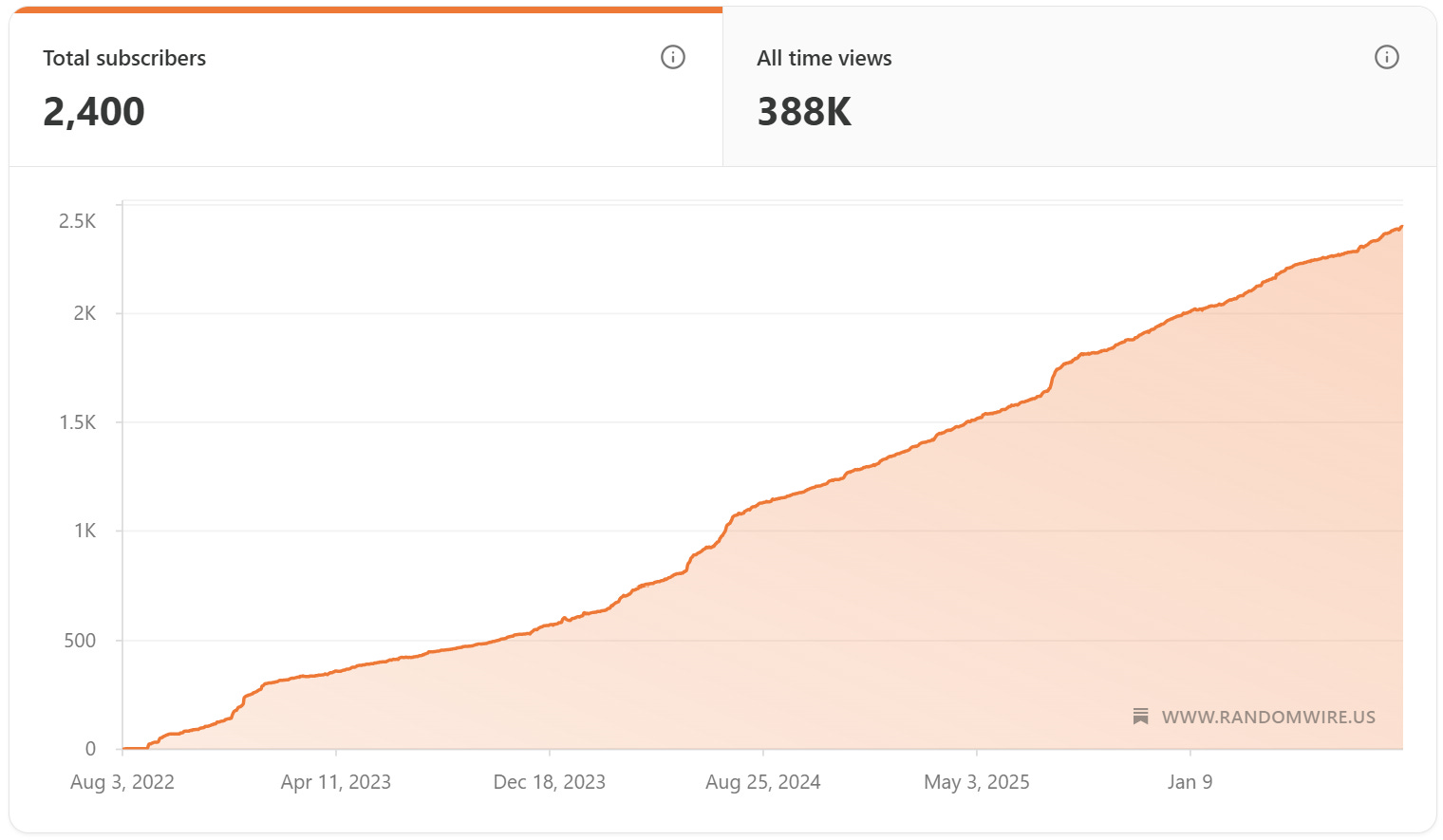
    This past week was interesting as I worked on this Random Wire newsletter. The week prior, I got busy with projects while writing RW 188, including experimenting with the Arduino UNO Q. That struck a chord with about a dozen subscribers, and it was apparently not a welcome sound: they unsubscribed this week. I’m guessing about why they dropped, of course. At the same time, I welcome the several new subscribers who joined the Random Wire family this week.

    As I’ve thought about this, I think it’s probably a natural outcome of how people choose to subscribe. They find something about the Random Wire newsletter in a publication or by word of mouth, and since they learn of this newsletter from amateur radio sources, they assume it’s all about amateur radio. And of course, it is about amateur radio, but it is not only about radio. I look at the modern, internet-connected, technology-focused side of amateur radio. For subscribers expecting “all RF, all the time,” this would be a disappointment.

    I have my RF-only days, too. I get it. At the same time, focusing only on RF is a bit like driving a car with a manual transmission, manual steering, and roll-up windows: it works, but it isn’t as comfortable as a modern personal vehicle. We live in a technology-dominated world, and I choose to let tech augment my amateur radio play. Not everyone chooses to do that, and that’s okay.

    For those of us who do marry technology and radio, you are in good company. I call us “EtherHams” and it’s why I named the workbench-focused side of this newsletter EtherHam.com.

    And speaking of EtherHam.com, a big thank you to Jeff for purchasing a quality Champion-brand hoodie from the EtherHam store. Store purchases help support this newsletter and the EtherHam site. I wish I had permission to use his photo because it looks great!

    2. Thank You…Paul N4FTD

    Community shows up in all sizes — sometimes it’s a hoodie purchase, sometimes it’s something that changes how you see the whole hobby. This week I want to talk about the second kind.

    Coming straight from the heart, this won’t be a highly polished thank you note.

    I extend my sincere gratitude to Paul N4FTD who took time months ago to reach out and build a friendship with me. It turns out we share many of the same things, from caring for our spouses to how we grew up. It has been, and continues to be, a joy to recognize someone traveling alongside me, albeit on the other side of the country. You can find Paul’s radio writing in ROTA-Radio.

    As radio amateurs, we usually talk with our radio friends about radios, antennas, and technology. But much of this hobby is really about connecting in a meaningful way with other radio amateurs. I’m reminded of how COVID impacted some of our most vulnerable amateurs who, it turned out, didn’t just look forward to being with like-minded people at their monthly ham radio club meeting — they needed that contact. When COVID took that away, they suffered. Socializing at the monthly meeting was vital for their well being. When meetings resumed, they made sure to attend each one. I noticed their joy at being back in the room with other amateurs.

    We are important to each other in ways we may not always see or understand, but it is real and impactful. I hope you’ll choose to reach out to someone new to you in our wide, far-reaching amateur radio community, even if only to say hello.

    That kind of connection is the reason I do any of this. But most of my hours this week were spent somewhere less sentimental — the workbench.

    3. New on EtherHam

    I didn’t do any original coding this week. Instead, I’ve been fixing code, testing my Arduino devices, and starting a few more projects.

    • Weekly Report: July 2, 2026 — Catch up with band conditions, digital radio news, and the Groups.io digest.

    • LightAPRS Gateway 1.0 — First Impressions — There are updates posted at the end of the article, because while I thought I solved the issue, it turns out I had not. RF beaconing has been reliable, igating has not. It does not appear to be a fault with the device but I’m not sure yet what the problem is. I worked on this for three days before reaching out to LightAPRS support for help. We’ve been changing parameters, letting the device run, then looking at logs. Hopefully this will get resolved very soon.

    4. In The Shack

    While the LightAPRS mystery simmers, a new radio showed up that deserves its own writeup.

    4.1 Retevis RA89R: Very First Impressions

    I saw a review of the Retevis RA89R radio and was intrigued. The $65 Retevis RA89R arrived Wednesday evening and I immediately put it on the charger. Thursday, I turned it on for the first time.

    Retevis RA89R Ham Radio, Cross-Band Repeater, APP Setting, Dual Band Handheld Radio, High Power Two Way Radio, 2800mAh USB-C Rechargeable, IP54, Long Range Walkie Talkies for Emergency, Survival (this is an affiliate link)

    My very first impression? Solid build. The radio with the battery installed has some heft to it. The battery back is rounded, making it fit nicely in your hand. The two PTT buttons take a moment to get used to, because if you are trying to use VFO B but are pressing the VFO A push-to-talk button, it’s not going to work (more on this in a moment).

    When I went into the menu, I immediately noticed the radio was set to a wider frequency range than my license allows. I changed the start and end frequency to 144-148 MHz for VHF and 420-450 MHz for UHF, per the ARRL band plan.

    I was able to set frequencies through the radio keypad but my CTCSS tone did not stick when I saved it (probably user error). So I cranked up the Retevis app on my Android phone, connected to the radio over Bluetooth, and set the tone there. Once saved to the radio, that worked fine.

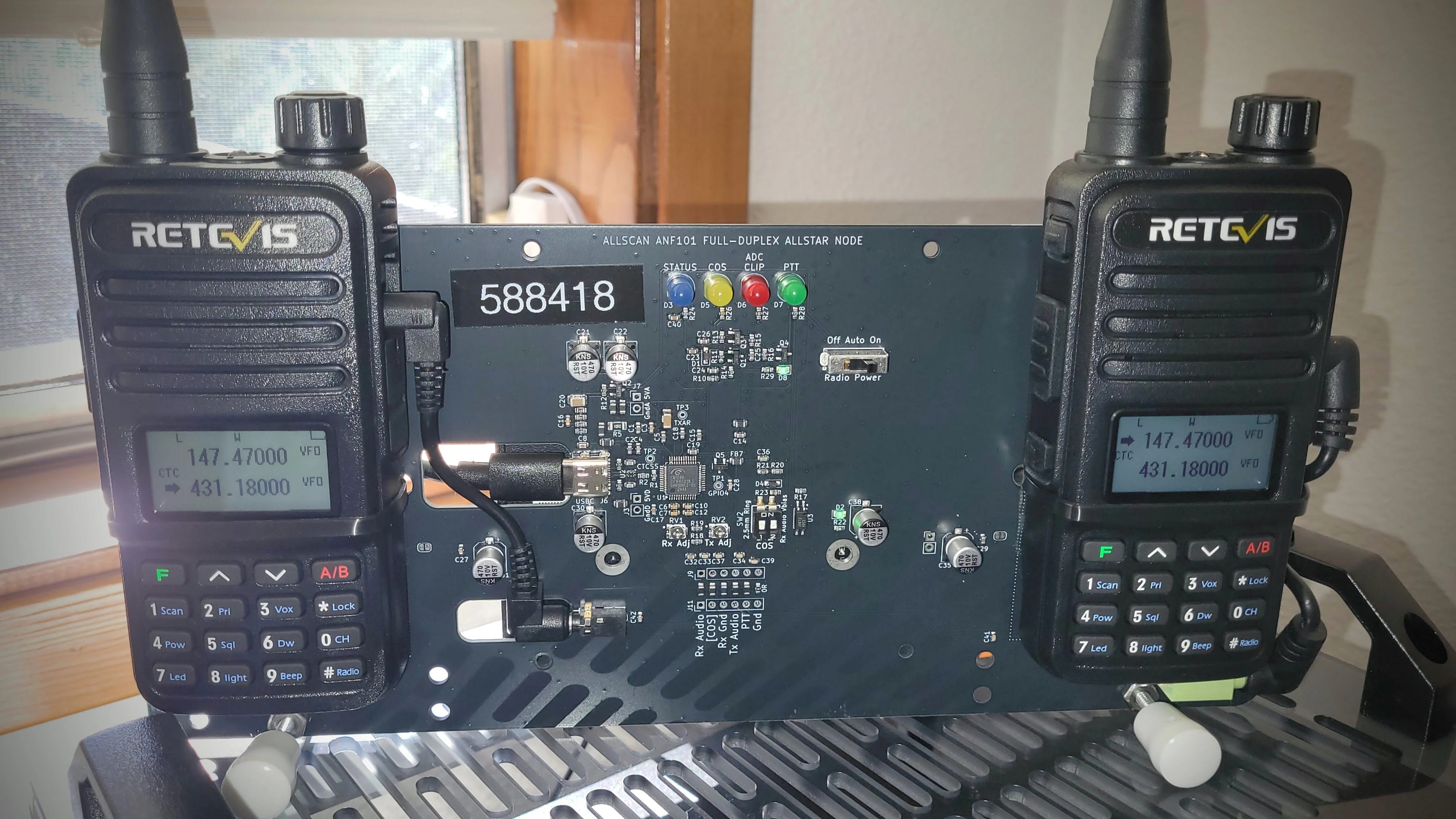
    In a few minutes, I was checking my audio on my duplex AllStar node 588418. That node intakes RF on 431.180 MHz and transmits to my radio on 147.47 MHz. The 431.180 frequency also requires a CTCSS tone. I have the RX frequency (147.47) in VFO A and TX (431.18) in VFO B. While testing and not having any success, I realized I was pressing the VFO A PTT instead of the VFO B PTT. It’s a simple thing, but it will trip you up if you’re not used to having two PTT buttons. (Note that the manual calls these Band A and Band B buttons.)

    Here’s another counterintuitive “aha” moment: it doesn’t matter which VFO is active on the radio. If the arrow is pointing at VFO A and you push the VFO B PTT, you will transmit on VFO B.

    The display is easy to read…indoors. Outside in the sunshine, it fades and is hard to read, even set to the brightest setting.

    The radio sounds good…maybe not quite as nice as my BTECH UV-PRO, but the audio is clear and has plenty of volume for me.

    USB-C charging is a welcome feature, with a USB-C charging port on the battery and on the desktop charger. This makes it easy to grab the radio and go, knowing you can recharge it in the field. However, I noticed that none of my Power Delivery-capable chargers would charge the radio. Instead, I had to use a small “dumb” wall wart like we used to get when we bought a Kindle e-reader. One advertisement indicates it requires a 5V 2A charger, and that agrees with my experience.

    The belt clip attaches to the battery. I’m not a fan of this arrangement. The base of the radio is large enough and flat enough that it stands nicely on a desk or shelf.

    The product page says it has airband receive, FM broadcast receive, and NOAA weather alerts, but I have not yet tested those capabilities.

    One ad says the radio is “moisture resistant” but without an IP rating, I can’t determine what this means.

    One other slight gripe is the functions associated with keypad buttons are not labeled on the radio. You have to look at page 6 in the manual to know what they do. Nobody wants to carry a manual with them. Fortunately, the manual is not just a sheet of paper — it’s a real mini-manual that is well written.

    So two strikes right out of the gate are: dim display in sunlight and the belt clip attaches to the battery instead of the radio body. But on the plus side, this dual band radio has a solid build, good audio, and a 2800MAh battery, at a very attractive price point. If you need a tough analog VHF/UHF radio and don’t want to spend much money, consider the Retevis RA89R.

    The Retevis will need more bench time before I trust a verdict. The other project living on my bench this week has already earned mine: the UNO Q ASL node.


    4.2 The UNO Q ASL Node is Working Well

    Last week I went all-in on the Arduino UNO Q, and after setting up and using a couple of different Q devices, I’m still a fan. They are working delightfully well. Unlike my Raspberry Pi devices, I worry much less about the Q-based devices because they use durable eMMC storage instead of damage-prone microSD cards.

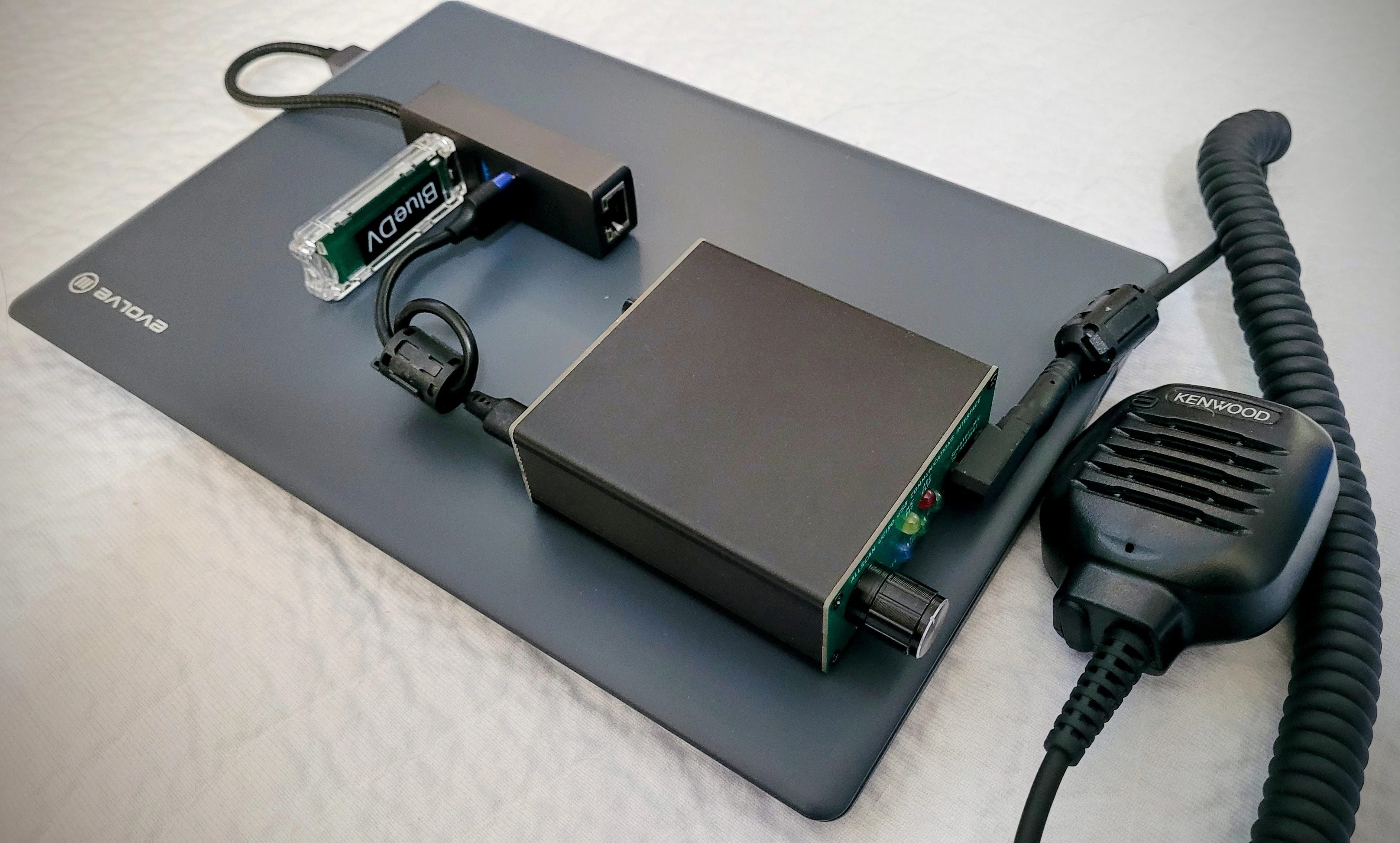
    The AllStar node I’m running on a UNO Q uses Ampersand-ASL for AllStarLink connectivity and an AllScan USB Communications Interface for audio. It’s a very compact package:

    In the view above, the UNO Q is in a metal case, forming the bottom layer of this little cake. A small USB-C hub is the next layer up, and the AllScan UCI80M tops the pile.

    The user interface (UI) for Ampersand-ASL looks different than what you may be used to. You add favorite nodes on the Configuration screen, then on the Home page, you select one of those nodes to connect to it. In the screenshot below, you can see the favorites (green buttons) I’ve set for node 588414 on the UNO Q:

    Ampersand-ASL node home screen

    Ampersand-ASL node home screen

    A quick note about the two different parrots. Node 2002 (ASL Parrot) is a standard parrot node running on the conventional ASL3/Asterisk and app_rpt stack. That stack has a hard-coded 8kHz sample rate. Node 2002 is locked to 8K audio because that’s simply what Asterisk/app_rpt does everywhere, including in parrot mode.

    Node 61057 (AMP Parrot) runs on Ampersand-ASL, Bruce MacKinnon KC1FSZ’s from-scratch C++ reimplementation of the AllStarLink protocol that implements the IAX2 protocol directly, uses ALSA natively for audio, and does not use Asterisk at all. Because it was built from the ground up rather than inheriting Asterisk’s legacy code, it was easy to support 16Ksps codecs — that’s the whole point of the project’s design freedom. (16Ksps is 16,000 samples per second — a sampling rate of 16kHz. In contrast, standard telephone-quality audio that Asterisk-based systems use is 8,000 samples per second.)


    4.3 Ampersand-ASL Gets an Update

    Bruce MacKinnon KC1FSZ isn’t done improving Ampersand-ASL. He pushed a fresh update to Ampersand-ASL this week, and I applied it to my AllStar node without a hitch. The update tidies up compile warnings, fixes the sluggishness that had been making the Configuration tab painful to use, and folds the boot race condition workaround — the ExecStartPre=/bin/sleep 10 fix I documented on EtherHam — into the official user documentation. The full update procedure and what changed is covered in the updated EtherHam article, How to Run AllStar on the Arduino UNO Q.

    I also discovered this week that Bruce was kind enough to mention KJ7T on the main Ampersand project documentation page — both as a link to the EtherHam article and in the project’s contributor acknowledgements. That’s genuinely appreciated. Bruce is doing interesting work, he’s responsive to feedback, and he’s building something that matters to the ham community. If you’re running an AllStarLink node — or curious about running one on hardware that ASL3 doesn’t yet support — the Ampersand project is worth your attention.


    4.4 Amp-ASL and the Pi Zero 2 W — A Quick Experiment

    I looked down on my bench and saw TomStick, a Pi Zero 2 W in a Geekworm USB dongle case, and wondered: could Ampersand-ASL by Bruce KC1FSZ run on this single-board computer? The Zero 2 W is arm64, Debian-capable, and a lot of hams have one sitting around. If it worked, it would be a compelling option for a low-cost, low-footprint AllStarLink node using hardware you might already own.

    The short answer: you can’t build Amp-ASL on a Pi Zero 2 W. The compiler ran out of memory twice trying to compile WebUi.cpp, even with a 512MB swap file added. The second time, the OOM (out of memory) killer was aggressive enough to terminate the SSH session along with the compiler. TomStick was fine afterward, but the message was clear: you can’t build Amp-ASL on this platform.

    This isn’t really a knock on Amp-ASL — it’s a build-time constraint, not a runtime one. On my Arduino UNO Q node, the running amp-server process uses about 4.2MB of RAM. The Zero 2 W would probably run Amp-ASL if you could get the binary onto it. The problem is getting there: WebUi.cpp is simply too large to compile on 512MB of RAM, and the OOM killer has the final say.

    Could you cross-compile on a more capable machine and copy the binary over? Probably — but that’s a different project for a different afternoon.

    The practical takeaway: if you want to build and run Amp-ASL on arm64 hardware, you need more than 512MB RAM. It’s worth noting that Bruce’s documented test platforms are a Raspberry Pi 5 and a Dell Wyse 3040 mini-PC — both with substantially more RAM than the Zero 2 W’s 512MB. I knew when I started this little side trip that the Pi Zero 2 W was going to be outside the tested envelope.

    The UNO Q with 4GB RAM had no trouble at all. A Pi 3B+ (1GB) or Pi 4 (2GB or better) would be worth trying, and those results would be interesting. If you try it, let me know how it goes.


    4.5 LightAPRS Digipeater: Hold the Phone

    Not every experiment this week ended cleanly — and the LightAPRS saga from last issue still isn’t over.

    The LightAPRS Gateway I mentioned last week turned out to have a subtle reliability problem: it was beaconing to APRS-IS once on startup and then going silent. I thought I fixed it with a watchdog script to restart Direwolf if it stopped sending packets. However, the timer interval was too short, creating a doom loop that prevented the 60-minute scheduled beacon from firing.

    As I continued to monitor the device, I discovered my watchdog script didn’t really fix the problem. Even with the fix, Direwolf’s iGate beacons were reaching APRS-IS on startup but subsequent scheduled beacons were silently disappearing. They appeared in the local journal as sent, the APRS-IS connection shows as verified, and yet neither aprs.fi nor findU.com shows they were received.

    The most telling clue is that packets marked qAR — those received via RF and gated by other iGates in the area — appear on aprs.fi consistently. Only packets marked qAC, sent directly from this gateway to APRS-IS, go missing after the initial startup beacon. I have reproduced this using different APRS-IS servers and can rule out local network issues. I’ve submitted a detailed bug report to LightAPRS support and am working with them on a solution.


    4.6 GitHub, git, and Me

    Bug reports and waiting rooms aside, I’ve been fighting a different kind of frustration this week: GitHub.

    I am discovering that I don’t speak GitHub at all well. If you want to post some code on GitHub.com, there are several sequential steps you must follow. I’m sure for experienced coders who have adapted to GitHub, it all makes sense. For me? Not so much. The sequence to accomplish anything strikes me as a bit convoluted and arcane. The interface and sequential process were crafted by coders for coders, and it is taking me some time to get used to it.

    It’s getting better, though. I still look at my “GitHub recipe card” when I’m updating code in my GitHub EtherHam space or creating a new repository, but I’m starting to think ahead of the recipe.

    Behind the scenes, I’m also using git. If I thought GitHub was oblique, git doubles down on that. However, git is ultimately made simpler to use and understand because there is no graphical user interface like GitHub uses: git is 100% through the terminal. That means I don’t have to split my brain between terminal and GUI, and I do find that a bit simpler.

    One thing I am certain of: it’s going to take me a while — months, maybe years — to really grok GitHub and git. These systems do not align with how my brain processes information and procedures. But as with all things about amateur radio, part of the joy is in learning new things, and GitHub and git are definitely stimulating learning! They no longer feel quite as new and raw when I use them.


    4.7 Panasonic ToughBook CF54 Media Bay

    GitHub isn’t the only thing that fought me this week. My ToughBook did too — just with screwdrivers instead of a terminal.

    The batteries in my ToughBook appeared to be original and were no longer holding much of a charge, so I replaced the main battery. Talk about a night and day difference! Where I would get about an hour out of the main battery, now I get at least five hours.

    The ToughBook’s media bay held a similarly worn-out accessory battery. Replacing it would be expensive at about twice the price of the main battery so instead I ordered a multi-drive.

    Well. Installing the DVD multi-drive proved to be more complicated than I expected. It isn’t plug-and-play. Instead, the bottom plate on the laptop must be removed, then several bits of black plastic shielding need to be pulled back or removed to expose the socket. It takes a ribbon cable that is attached to the back of the drive. Once the drive is inserted, the ribbon cable goes in the matching socket…but this one looked odd. No release levers on it. No cover over it. It was not like any ZIF (zero insertion force) socket I’ve seen.

    The multi-drive socket is underneath the wide ribbon cable

    The multi-drive socket is underneath the wide ribbon cable

    I tried sticking the ribbon cable under the socket — nope, no space. No place for it to go in the socket, either. Trying to manipulate the socket I could feel how brittle the plastic was. It wasn’t going to accept much force before breaking. I concluded that the cover on the socket had previously been broken off, so this was never going to work.

    I backed out of this and reassembled the bits, then ordered a dummy plug to seal the media bay from dust and foreign objects. That will be good enough. I have an external USB drive for CDs and DVDs, and that will have to do. Once everything was buttoned up again, I tested to make sure the computer booted up cleanly…and it did.


    4.8 Try the Random Wire Archive Search

    After all that hardware wrangling, it was nice to end the week with a piece of software I wrote that just worked.

    If you are a Substack author, you already know how abysmal is Subtack’’s search capability. I wrote Substack Search to be a full-text search index for your Substack archive, self-hosted on your own web server. The code and instructions are available in my EtherHam GitHub space.

    For my subscribers, the value of building my own search function is in the improved search results. Try it yourself at: https://etherham.com/rw_search/index.html

    The interface is very simple. If you want to search on a phrase, enclose it in parentheses.
    I’ve updated the code a couple of times to address update and search issues. All should be working well now, but if you encounter problems, please do let me know.
    5. Are ESP32 Processors Used in F1 Racing?

    Not everything on my bench this week was a repair or a tool, though. Some of it was just a question I couldn’t let go of.

    While watching the Formula 1 Austrian Grand Prix race, I wondered: do the sensors on the race cars use ESP32 boards? The short answer: definitely not in actual F1 cars, but surprisingly, ESP32s show up around F1 in some really fun hobbyist ways. Here’s the full picture.
    On the actual cars

    Real F1 cars are a world apart from consumer microcontrollers. An F1 car has around 300 sensors, and the standard ECU — the TAG-320B — monitors over 4,000 parameters. Those sensors connect either through analog systems to the ECU, or through a series of CAN buses (Controller Area Network — an automotive-standard network bus). There are 17 separate CAN buses on a car in its typical configuration, each communicating with many different devices. (More: Feature: Data and Electronics in F1, Explained!)

    Today’s F1 cars generate on the order of 1 terabyte of data per car per race weekend. Teams use high-bandwidth radio systems to send telemetry in real time to the garage, where engineers monitor car health and performance on multiple screens. The central data logger runs on an Intel Atom-based unit on a Linux RTOS, with 1 GB of integrated logging memory, GPS, and an integrated telemetry unit. (More: How Many Sensors Does Formula 1 Have?)

    So the electronics are custom aerospace-grade hardware — nothing close to an ESP32 in terms of specs, hardening, or regulatory approval.

    Where ESP32s show up

    The hobbyist/maker community has embraced the ESP32 for F1-adjacent projects:

    • Makers have built F1 pit wall displays using an ESP32 CYD (a ~€10 board with a built-in 320×240 touchscreen and Wi-Fi) consuming live timing data from the OpenF1 API. The architectural lesson from that project is telling: the ESP32 works best as a display device, not a data processor — a Raspberry Pi or other server handles the API aggregation, and the ESP32 makes a single HTTP request for pre-digested data. (More: Build an F1 Pit Wall Display with ESP32 CYD and OpenF1 API)

    • In lower-tier electric racing (not F1), ESP32 microcontrollers have actually been used for real telemetry — handling analog data acquisition, local preprocessing, and wireless communication via LoRa in Colombia’s National Electric Drive Vehicle Competition. (More: An IoV-Based Real-Time Telemetry and Monitoring System for Electric Racing Vehicles: Design, Implementation, and Field Validation)

    • Sim racing enthusiasts use ESP32s to parse the UDP telemetry packets that the F1 video game series broadcasts, building physical dashboard displays for their rigs.

    So ESP32s are great tools for watching F1, but the actual cars run purpose-built, FIA-regulated electronics at a scale and spec where a $5 Espressif chip would be completely out of its depth.

    What about radios?

    As I was diving headfirst into ESP32s and Formula 1, I also wondered: what radios are used in F1 racing? Are they anything we are familiar with? It turns out there are two distinct radio systems at work.

    Vehicle telemetry data

    According to a former F1 engineer, the telemetry system uses a proprietary WiMAX 802.16 implementation managed by McLaren Applied for all teams, based on technology from former startup Picochip. It runs on 3.5 GHz spectrum that’s virtually available worldwide. For each circuit, temporary base stations are built so the mesh provides complete coverage. (More: F1 telemetry dissected: from sensor to strategy in milliseconds)

    Data is sent using 1,000 to 2,000 telemetry channels, transmitted wirelessly at around 1.5 GHz or a frequency allowed by local authorities. All data is sent in encrypted form, and the typical delay between data collection and reception at the garages is 2 milliseconds.

    So the telemetry is operating in the 1.5–3.5 GHz range, depending on the source. The discrepancy in this range isn’t fully explained by what I found, but let’s agree these are outside the frequency ranges most radio amateurs use.

    Team voice communications

    Voice communications use a completely separate system. The vast majority of F1 teams and officials use a single TETRA digital trunked radio system provided by Riedel Communications, operating in the 420–430 MHz range (downlink) and 410–420 MHz (uplink). Some teams use alternate systems — Williams and McLaren switched to a Kenwood NXDN Nexedge system operating in the 446–473 MHz range. (More: Formula 1 (F1) by TheRadioReference Wiki)

    In amateur radio terms: voice comms are solidly in the 70 cm UHF band, while the data telemetry is up in the microwave range — much more like 802.11 Wi-Fi territory.

    6. Short Stack of Internet Finds

    As you might expect immediately following Field Day, a Google search on “amateur radio” yields a trove of Field Day news items.

    Radio

    Computing

    7. June 17, 1936: The Day Radio Heard Itself Clearly

    One story from ninety years ago felt worth pulling out of the noise…literally.

    On June 17, 1936 — ninety years ago this month — Edwin Howard Armstrong walked into the Federal Communications Commission headquarters and changed what radio sounded like. He played a jazz record over conventional AM radio, then switched to an FM broadcast. A reporter in the room wrote that if the fifty engineers present had closed their eyes, they would have believed the jazz band was playing in the same room. No static. No hiss. No interference. Just music.

    Armstrong had been working toward that moment for years. Frustrated by AM’s vulnerability to static and interference — a physics problem baked into amplitude modulation itself — he pursued a different approach: instead of varying the strength of the radio wave to carry sound, he varied its frequency. The result was a signal that natural static simply couldn’t touch. FM didn’t reduce interference. It eliminated it. The silence between the notes was actually silent.

    You would think that kind of demonstration would change everything immediately but it didn’t. RCA’s David Sarnoff, who had been Armstrong’s friend, saw FM not as a breakthrough but as a threat. Thousands of AM transmitters and millions of AM receivers could become obsolete. The broadcast networks had enormous investments in AM. And Sarnoff had his eye on television — he didn’t have the bandwidth to also champion a new radio system. So RCA used its considerable influence to slow FM down: lobbying the FCC, disputing Armstrong’s patents, and eventually developing their own FM technology while refusing to pay royalties on his.

    The fight consumed the last years of Armstrong’s life. By 1954 he was financially exhausted from the legal battles and deeply depressed. He died by suicide in January of that year, never knowing how the story ended. His wife Marion continued the patent fight after his death, and in 1967 the Supreme Court ruled that Armstrong had indeed invented FM. He was right all along — he just didn’t live to hear the verdict.

    Every time you tune an FM radio, every time a silent passage is actually silent, you’re experiencing what Armstrong proved in that FCC hearing room in 1936. He didn’t get the recognition or the royalties he deserved, but he got the physics right. For radio amateurs, his story is a reminder that the people who build the tools don’t always get to enjoy the world those tools create. We work the bands they made possible, often without a second thought about who fought to make them available.

    8. Gadgets: Headphones, DAC, and Player

    I found myself thinking about Armstrong and audio fidelity again this week for a much lighter reason: new headphones.

    I bought a pair of SENNHEISER HD 599 Open Back Headphones on special during Amazon Prime Days. They were roughly one-half their normal price. I’ve paired them with a Fosi Audio K5 Pro DAC. My digital music catalog is stored on my Beelink network-attached storage box, and I play that library with MusicBee on my laptop. Player Preferences in MusicBee is set to WASAPI (Exclusive) to bypass the Windows sound system.

    If you’re a basshead, these are probably not the headphones for you. They deliver a flatter response across audible frequencies and present a more open, airy soundscape. Of course, you can dial up the bass with an equalizer or with the DAC. If I dial up the bass all the way on the DAC, audio is still clear but the deep tones overpower mid and high frequencies, at least for my ears.

    I am not an audiophile but I do like clear audio where I can separate instruments and voices, and where I can feel like I’m in the hall with the performers. The open back headphones provide a wonderfully open sound without the sound pressure that some closed headphones can project. The funny thing about saying “I’m not an audiophile” is good quality recordings and equipment provide an experience that is viscerally and audibly better than poorer equipment. You don’t have to be an audiophile to appreciate good sound.

    On the DAC, I have the bass and treble controls set at the one o’clock position. To me, this moves the sound stage a bit forward, as if the performance is closer to me. Need more bass? Try setting the DAC bass control to three o’clock or more. In MusicBee, I’ve set the equalizer to the Acoustic profile, which I find most pleasing for the music I listen to.

    One of the wonderful things about this combination is the silence. Silence during pieces, and between songs, have no hiss, no hum, no thrumming sound, nothing. Just silence. That really plays well with The High Kings when they punctuate their tight harmonies with moments of silence before the next attack.

    I would describe this combination of headphones, DAC, and player as a solid mid-tier setup for someone who likes to hear parts and harmonies. As I write this, I’m listening to acoustic sounds by The Wailin’ Jennys (40 Days album) and The High Kings (Grace & Glory, and The High Kings). Also, The Corrs, as well as Chris Botti.

    Acoustic Highway by Craig Chaquico sounds amazing. I can hear the left and right background instruments clearly. There is more texture to his music than you might hear over a radio. And Jazz Samba by Stan Getz and Charlie Byrd is astounding: very present, very clear.

    It’s not all quiet stuff. Earth Wind and Fire’s punchy, percussive music sounds delightfully crisp. The overtones of Eddie Van Halen’s high notes on Eruption come through with clear brilliance, and Ain’t Talkin’ ‘Bout Love sounds like it is being played on a wide sound stage. If you like that song but also like musical interpretations, I invite you to compare it with Ain’t Talkin’ ‘Bout Love by Scott Bradlee’s Postmodern Jukebox on the Lounge Language Models album.

    9. QRT: End Transmission

    Good sound isn’t the only thing that’s mattered to me this week.

    Earlier this week, two women who taught alongside my wife for fifteen years came to visit her. My wife can no longer speak, but she was present in every way that mattered — attentive, tracking the conversation, trying to engage. Watching her with her friends, I was reminded of what I wrote earlier in this issue about Paul: we are important to each other in ways we may not always see or understand.

    That evening, she looked over at me and said, “Hi Tom.”

    This was more meaningful than it might appear, because twice in the past month, she has looked at me and asked: “Who are you?” So you’ll understand why two words — my name, spoken by her — stopped me cold.

    I’m glad she knew me in that moment. I’m glad her friends came. Some things matter more than radio.

    73, and remember to touch a radio every day!

  • Tom Salzer KJ7TRandom Wire 188: AllStar on the Arduino UNO Q​Random Wire℠

    Tom Salzer KJ7TRandom Wire 188: AllStar on the Arduino UNO Q​Random Wire℠

    00 QRV: Are You Ready?

    This was the week of Q — no, not the Q from the James Bond franchise, but a tiny Arduino-based computer board. The UNO Q is featured in three articles about using it for amateur radio use. One is a comparison with other platforms, one details an AllStar build with Ampersand-ASL, and the other describes setting up a Q with WSJT-X and GridTracker2 for HF digital work.

    It’s ARRL Field Day weekend! Enjoy yourself on the air, and hopefully you’ll be able to attend a local Field Day event. For some, it’s a contest. For others, it’s a party. For many of us, it is a fine excuse to visit with our radio friends.

    01 Thank You…ARISS

    Some things lodge themselves in your memory so firmly that you can still feel them sixty years later.

    I was almost six years old on February 20, 1962, when John Glenn became the first American to orbit the Earth. I remember sitting transfixed, listening to his voice coming live from space. I didn’t fully understand what I was hearing, but I understood that a human being was up there, and his voice was coming down to us through the air. That moment planted something.

    The Mercury program didn’t involve amateur radio, but the connection between space and radio has deepened considerably since then. Through ARISS — Amateur Radio on the International Space Station — astronauts have been talking to schoolchildren from orbit for decades. A kid with a handheld transceiver and lightweight beam antenna can have a two-minute conversation with a crew member on the ISS. I can’t think of a better recruitment tool for this hobby, or a better use of the radio spectrum.

    So: thank you, John Glenn, for planting the radio bug in me. And thank you to everyone at ARISS who turned that wonder into something kids can still experience today. You bring the magic of radio into young hearts and minds.

    02 New on EtherHam

    With three new articles this week about the Arduino UNO Q board, it is apparent that I’m quite taken with this little ARM-based computer.

    • LightAPRS Gateway 1.0 — First Impressions — I received this device last night and had it on my network and working within 20 minutes.

    • Resurrecting a Forgotten HSR-USB as an AllStar Node — A forgotten HSR-USB board in the back of the drawer had no documentation and I had no memory of what frequency it was programmed on. Eventually, I was able to interrogate the SA818 chip to determine frequencies and CTCSS tones. The device is rescued from the drawer and back in service as AllStar node 578498.

    • The Arduino UNO Q: Affordable, Ready to Run, and Surprisingly Capable — In this piece, I develop a high-level comparison of the UNO Q with the Raspberry Pi 5, Dell Wyse 3040, and N-series mini PCs. If you’ve never thought about trying the UNO Q, start with this article.

    • How to Run AllStar on the Arduino UNO Q — Seeing that this had been done by a few others, I dove in and documented how to get Ampersand-ASL running on the UNO Q platform.

    • FT8 Digital Modes on the Arduino UNO Q: Installing WSJT-X and GridTracker2 — This was a big little project this week and a quite satisfying one, at that. The result? I have a dedicated WSJT-X/GridTracker2 platform attached to my Icom IC-7300MK2 transceiver. I no longer have to set up my ham radio laptop to do FT8 work, and even better, I can run FT8 remotely from another part of the house.

    • Build Your Own Substack Archive Search — I started publishing on Substack in 2022, and over the years, I’ve grown more and more frustrated by the truly abysmal search capability on that platform. So I did something about it with my own search system.

    • Weekly Reports: June 25, 2026 — The 20 and 17-meter bands should be reliable workhorses this coming week. Digital radio news was very light this cycle. On the Groups.io front, I checked 26 groups with 465 messages.

    03 Built and Working: AllStar with an Arduino

    I’ve been wanting to try building an AllStarLink node with an Arduino UNO Q board for a while. The UNO Q runs full Debian Linux on a Qualcomm ARM64 processor, costs around $60, and fits in your hand. If you’ve been eyeing a Raspberry Pi 4 or 5 for a project like this and balking at current prices and availability, the UNO Q is worth a serious look.

    Getting AllStar running on it turned out to be more interesting than I expected. The mainstream ASL3 software stack doesn’t quite work on the UNO Q yet — the board’s custom Qualcomm kernel is missing an audio interface that ASL3 depends on. That’s being worked on, and it might be resolved by the time you read this. But today, the proven path is a project called Ampersand-ASL, written by Bruce MacKinnon KC1FSZ. Bruce built a complete AllStar node implementation from scratch in C++ — no Asterisk, no DAHDI, no kernel module compilation. Just clean code that speaks IAX2 natively and connects to the AllStarLink network the same as any other node.

    I named my ASL node the QNode. It’s running on the AllStarLink network as node 588414 under KJ7T, connected via a USB radio interface and a Motorola speaker-mic. The audio quality is solid — I pulled a clip from ARRL Audio News through the node and it came back clean and clear. You can hear it below:

    (For the audio fade in and out, I used Tenacity, a fork of Audacity.)

    ASL node 588414 on Arduino UNO Q

    ASL node 588414 on Arduino UNO Q

    The software build itself took an afternoon, mostly because I ran into three non-obvious gotchas that anyone attempting this will hit: a HID device permissions issue that silences PTT, a missing group membership for the arduino user, and a systemd race condition that causes silent audio on every boot until you add a ten-second startup delay. None of them are hard to fix once you know what you’re looking at.

    I’ve written it all up in detail over at EtherHam, including the ASL3 situation, the full build walkthrough, and the troubleshooting steps. If you want to put an AllStar node together on a budget and don’t mind building from source, this is a genuinely satisfying project. The article is titled How to Run AllStar on the Arduino UNO Q and it’s live now at EtherHam.com.

    04 SuzieQ Gets a Job: FT8 with an Arduino

    A subscriber sent me a note a few weeks ago saying he’d gotten WSJT-X and GridTracker2 running on an Arduino UNO Q. That was enough for me.

    I spent a Saturday getting it working on my own UNO Q (named SuzieQ) which now lives next to the IC-7300MK2 in the sun room. The short version: it works, and it works well, with WSJT-X decoding signals, GridTracker2 painting stations on a world map, QSOs logging automatically to QRZ. All this runs headless on a board half the size of a playing card, accessible from anywhere in the house via RustDesk. I made the first confirmed QSO from the other side of the house, which felt like the right way to prove the point.

    The total hardware cost — UNO Q, case, power supply, and USB hub — came to $120. For comparison, a 4GB Raspberry Pi 4B kit with storage runs $130 and up today, and with that you are stuck with a microSD card instead of the UNO Q’s soldered eMMC. I’m not saying the Pi isn’t a fine machine. I’m saying the math has changed.

    The full write-up is at EtherHam.com, with all the commands, settings tables, and gotchas documented in enough detail that you should be able to follow along with your own hardware. If you have a radio with USB connectivity and you’ve been thinking about a dedicated digital modes platform, this is worth your time: FT8 Digital Modes on the Arduino UNO Q: Installing WSJT-X and GridTracker2

    05 Code Fix: Substack Search

    In continued testing of the Substack Search tool, I discovered I didn’t code it right the first time. Searches for common terms like “Meshtastic” were returning HTTP 500 errors instead of results. The error log told the story: fts5: missing row 63 from content table. The full-text search index and the posts database had gotten out of sync.

    The culprit was the update tool — the web page that lets me upload a fresh Substack export zip to add new issues to the index. The original code was doing incremental updates: deleting each post’s entry from the search index and reinserting it. That approach scrambled the internal row numbering that SQLite’s FTS5 search engine depends on, and searches started failing.

    The fix was straightforward once the problem was clear. Instead of updating the search index one post at a time, the new code processes all the posts first and then rebuilds the entire index in a single clean pass. The result is the same — all posts indexed and searchable — but the internal bookkeeping stays consistent no matter how many times you run it.

    If you grabbed the code from the EtherHamRadio/substack-search repository before this week, pull the updated update.php. If you built your initial database using Claude as described in the article, you may also need to rebuild the database from a fresh Substack export — the corruption only affects databases that have been through the update tool at least once.

    06 In the Shack

    Some Trouble with WPSD

    I had some trouble with my Raspberry Pi 5 hotspot running the great WPSD software. My Wi-Fi would no longer connect and the region showed AD (Andorra), not US. When I reconfigured and hit save, nothing actually saved. I could boot up with the Ethernet cable connected and all was well. But I had no Wi-Fi connection: my router didn’t see the device and my settings wouldn’t save.

    I downloaded a backup of the configuration and burned a fresh image, then booted up while connected via Ethernet. That gave me the opportunity to configure Wi-Fi, and this time, it saved it. Then I disconnected the Ethernet cable and rebooted again. After a few minutes, the dashboard came up. I restored my saved backup and the hotspot was functioning once again over Wi-Fi.

    At first I thought: did I find a bug? But as I ran through the logic chain in my mind, I realized it was more likely the microSD card had become corrupted. To eliminate that possibility, I started over fresh. It turns out this was the right move.

    WPSD working again

    WPSD working again

    If your Wi-Fi settings aren’t saving and your region keeps reverting, don’t waste time troubleshooting — just burn a fresh image. It’s faster than chasing a corrupted filesystem.

    A few days later, it wouldn’t boot. Eventually, I removed the cover and pulled off the MMDVM hat. Then it booted cleanly. While it was running, I put the MMDVM hat back on and suddenly there was my display. I suspect a bad connection on one of the GPIO pins…could be due to heat, could be oxidation. In any event, once I re-seated the hat, my problem went away.

    And then I noticed my Raspberry Pi 4-based WPSD was set on simplex, not duplex. The modem version matched, so I wondered: if I restored my saved RPi 5 hotspot configuration to the RPi 4 machine, would it work? It should, since the hats were the same. At least that’s what I postulated, so I tried it. And it did work. My separate frequencies for TX and RX came in on the RPi 4 machine after restoring the RPi 5 backup to it. One gotcha, though: the hostname carried over from the RPi 5 backup to the RPi 4. This was easy to correct in the configuration screen.

    Now I have two hotspots with frequencies programmed exactly the same, meaning one is now turned off and waiting in the wings in case my primary hotspot bites the dust.

    ToughBook Battery, Part 2

    I mentioned last week that the batteries in my old Panasonic ToughBook MK2 laptop appeared to be (a) original and (b) worn out. Accordingly, I bought a generic replacement battery and crossed my fingers that it would work. Well, it worked great. After charging it in the laptop, I got several hours of operating time from the battery. I ran it until the laptop shut down to condition it (although new tech batteries probably don’t need it like the older ones did).

    The cost of the battery for the media bay is rather high — about twice the cost of the main battery for only 2/3 of the contained watts. The better play is to buy a media drive for that bay (done!) and buy a second main battery as a spare (not done). One main battery plus a spare will give me plenty of cushion for a long POTA session with the ToughBook.

    Just Arrived: APRS Digipeater

    My APRS device is being shipped from halfway across the planet, from Mugla, Turkey, to be exact. Surprisingly, it took just seven days for this to arrive on my doorstep.

    This is the LightAPRS Gateway 1.0 sold by QRP Labs, and I’ve posted my first impressions in LightAPRS Gateway 1.0 — First Impressions.

    DAC for laptop and headphones

    I like small, capable devices. And I like listening to music while I work, often with headphones rather than earbuds. My Surface Laptop 7 computer has a 3.5mm audio jack but not all of my computers are so equipped, so several months ago, I bought a USB-C digital audio converter:

    Moondrop Echo-A 32Bit/384kHz Portable USB Type-C to Headphone DAC/AMP with 3.5mm Audio Jack Adapter (this is an affiliate link)

    The current cost of the Moondrop DAC is $22 but when I bought it, it was on a deal for about one-half that. Does it work? Yes.

    This week, I tried a newer, similar product, for $18:

    USB C to 3.5mm Headphones Adapter, Dual Chip CX31993 MAX97220 DAC Dongle with HiFi Amplifier, 8-Strand 4N Single Crystal Copper Silver-Plated Cable, USBC to aux for All USBC Devices (this is an affiliate link)

    I can’t actually tell the difference in sound between the two devices. Both work well to convert from USB-C to a 3.5mm headphone connection. They even work with my cell phone that has no headphone jack. Both sound great. Oh, and if you have an inline microphone with your headphones, both of these USB-C devices pass transmitted audio, too.

    If you need separate lines for RX and TX, try this Creative Labs product for $19:

    Creative Labs Sound Blaster Play! 3 External USB Sound Adapter for Windows and Mac. Plug and Play (No Drivers Required). Upgrade to 24-Bit 96Khz Playback (this is an affiliate link)

    I have all three devices. They all work well.

    USB Dongle Board

    As I was digging through the parts drawer, I found a GeekWorm USB Dongle Board (this is an affiliate link) stuffed all the way in the back. Apparently, I bought it in 2025, mounted it to a Raspberry Pi Zero 2W, and then it migrated to the dark recesses of the drawer. The dongle costs $8.

    What does it do? The Geekworm USB Dongle Board converts a Raspberry Pi Zero or Zero 2 W into a USB stick form factor by adding a full-size USB-A connector, allowing it to plug directly into any USB-A port. When configured for USB gadget mode, the Pi can present itself to the host computer as a network adapter, serial device, or keyboard — or it can simply draw power from the port while communicating wirelessly over WiFi.

    I did not configure it in gadget mode. Instead, I have it plugged into my ORICO USB hub ($34, this is an affiliate link) where it is running as a utility Debian Linux machine over Wi-Fi on my home network.

    My first test? Install uCareSystem to automate system updates. Unfortunately, OpenPGP verification failed, and the alternative methods to install the key also failed. The good news? I didn’t impact one of my working systems with this test!

    07 Opinion: Just Read the Manual

    For years, I’ve been seeing the same response when someone asks a question about how to operate a specific feature of an amateur radio: just read the manual. I saw it again this week when someone on Facebook asked a question I didn’t know the answer to — despite having read the manual myself, more than once.

    It used to be easier. Fewer configuration choices meant the radio had buttons and dials instead of deeply nested menus. Manuals were logically organized and clearly written. Those days are largely gone, at least for the handheld transceivers that arrive at my door from distant lands.

    Today, the manual is often poorly written in English — sometimes a translation, sometimes written by someone whose language skills don’t quite meet the demands of clear technical writing. And since many of us are now above a certain age, our memory may not retain information the way it once did. I recognize that the sponge in my head is simply not as absorbent as it used to be.

    So there are three real problems with “just read the manual” advice: manuals that are poorly organized — or in the case of at least one radio brand I’ve wrestled with, nonexistent; English that isn’t up to the task of technical guidance; and the perfectly normal fact that human memory fades over time.

    Telling someone to “just read the manual” solves nothing. I don’t think the people who say it realize how they come across to others.

    The good news is that they’re easy to ignore — and doing so leaves more room to appreciate the hams who genuinely want to help others learn. That community is larger, and it’s the one I choose to spend my time with.

    08 Short Stack of Internet Finds

    There’s just not a lot for the Short Stack this week, which is a surprise, considering Amazon Prime Day sales and Field Day events.

    Radio

    Software

    • DokuWiki Markdown Support — This may only matter to me, but… DokuWiki is a flat-file wiki system that I truly love. Except for the DokuWiki editor which does not match standard Markdown formatting. It looks like Markdown support will soon be baked into the core, and I think this is a tremendous thing.

    09 QRT: End Transmission

    I began crafting Random Wire 188 on Sunday, June 21: Father’s Day. It was a bittersweet moment as I recalled my father who walked on some years ago. This week, I replaced the mailbox Dad put up by the road oh, about 20 years ago. The metal bracket had become weakened due to rust and the wooden bits had grown quite soft. Frankly, I’m surprised the postal delivery person didn’t complain. It was a rickety thing.

    But what I found endearing as I deconstructed Dad’s construction were the several generations of fixes Dad had implemented. I could see the first installation: a couple of lag bolts to secure the bracket to the 4×4 post and a couple of machine bolts to hold the mailbox to the bracket. And then there was a plywood bracket he added as the lag bolts lost their purchase, apparently to try to stabilize the main bracket. Finally, there were several applications of deck screws, inserted at various angles, to hold things together as the whole assembly began to weaken.

    He would have installed the mailbox around age 70. As he and the mailbox aged, his reasoning got softer just as the mailbox support system did. I could see that by how he tried to use deck screws — probably in his 80s — to hold it all together. As I removed Dad’s work and replaced it with my own, I felt very close to him. Happy Father’s Day, Dad.

    73, and remember to touch a radio every day!

  • Tom Salzer KJ7TRandom Wire 187: Keeping Every Ham at the Table​Random Wire℠

    Tom Salzer KJ7TRandom Wire 187: Keeping Every Ham at the Table​Random Wire℠

    00 QRV: Are You Ready?

    Walter Cronkite has been a silent key since 2009, so there is now an entire generation who know nothing about him…but I remember him. I remember his calm demeanor. I remember the feeling that this is someone who is telling me the truth. And I remember the origin story of Cronkite becoming a licensed ham. This strongly influenced my decision to seek my license, so Random Wire 187 opens with a thank you to Walter Cronkite KB2GSD (SK).

    RW 187 also brings you:

    • Four new EtherHam articles

    • Some shack notes

    • An APRS device I ordered

    • The ARRL radio comparison table

    • A new music player on my network-attached storage box

    • Some gadgets (headphones and USB hubs)

    • My Panasonic CF-54 ToughBook needs a battery

    • An opinion piece about using AI as an assistive tool for hams that need some help

    • And the Short Stack of Interesting Internet Finds

    01 Thank You, Walter Cronkite KB2GSD (SK)

    Walter Cronkite was born on November 4, 1916 in St. Joseph, Missouri. His family later moved to Texas, where he spent most of his childhood, and his passion for journalism ignited when he read an article in Boys’ Life as a young boy. He enrolled at the University of Texas at Austin to study political science, economics, and journalism, but left school to take a position at the Houston Post — and never looked back.

    His career accelerated during his time at the United Press, where he served as a World War II correspondent and afterward as Chief Correspondent for the Nuremberg trials. He joined CBS News in 1950 and was named anchor of the CBS Evening News in 1962. The defining moment that made him a household name was his announcement of President Kennedy’s assassination. Over nearly two decades behind that desk, he was the calm, steady voice that walked Americans through the moon landing, Vietnam, Watergate, and a string of national tragedies that might have broken lesser men.

    He is the last news anchor I fully trusted, and I don’t think I’m alone in that. There was something in his delivery — no spin, no wink, no performance. He became something of a national institution, known as “Uncle Walter” to many, with an unflappable delivery and a voice that guided viewers through national triumphs and tragedies alike. On March 6, 1981, he anchored his final newscast and signed off with: “Old anchormen, you see, don’t fade away, they just keep coming back for more. And that’s the way it is.” For me, the world felt a little less reliable after that.

    Now here’s the part that matters to us. At CBS, Cronkite was surrounded by hams — most notably his friend and the program’s radio engineer, Steve Mendelsohn, W2ML, who over time talked about the hobby often enough to ignite a slow-burning interest in his news anchor friend. Cronkite had even purchased a receiver and would listen on the bands from time to time, but he resisted taking the licensing exam because of the Morse code requirement.

    The breakthrough came in the studio one evening before the nightly broadcast, when Mendelsohn needed to test the tone of the audio recorders. He grabbed a copy of the New York Times and sent Morse code with the tone key for ten minutes. After the broadcast, Cronkite walked into the control room and presented his script — on the back of it was the entire text Mendelsohn had sent in code. Mendelsohn and CBS Evening News Director Dick Muller, WA2DOS, exchanged a look and told Cronkite he had just passed the Morse code test. Cronkite laughed and asked when the formal exam was scheduled — only to learn that with two licensed general class operators present as witnesses, he had already passed.

    Weeks later Cronkite took and passed the written test, and became officially licensed as KB2GSD. His first QSO was on 10 meters. He was immediately snubbed by a Midwestern ham who didn’t believe the famous newscaster was who he claimed to be: “That’s the worst Walter Cronkite imitation I’ve ever heard!” followed by, “Walter Cronkite is not even a ham, and if he was, he certainly wouldn’t be here on 10 meters.” Mendelsohn said the two of them laughed about that one for weeks. Walter Cronkite, KB2GSD, passed away on July 17, 2009 at the age of 92 — but this story of hams helping others become licensed is exactly the kind of thing that makes this hobby worth thanking people for.

    02 New on EtherHam

    03 Radios

    “Touch a radio every day!” is my closing tagline for this newsletter. I certainly did that this week. I organized the chargers for various handhelds:

    I discovered that when I rebuilt the hotspot I use for YSF/C4FM, I changed the frequency. Rather than revert to the old frequency, I chose to manually reprogram two radios. I got the FT-3D configured with split TX and RX frequencies but have not completed that task with the FT-5D radio.

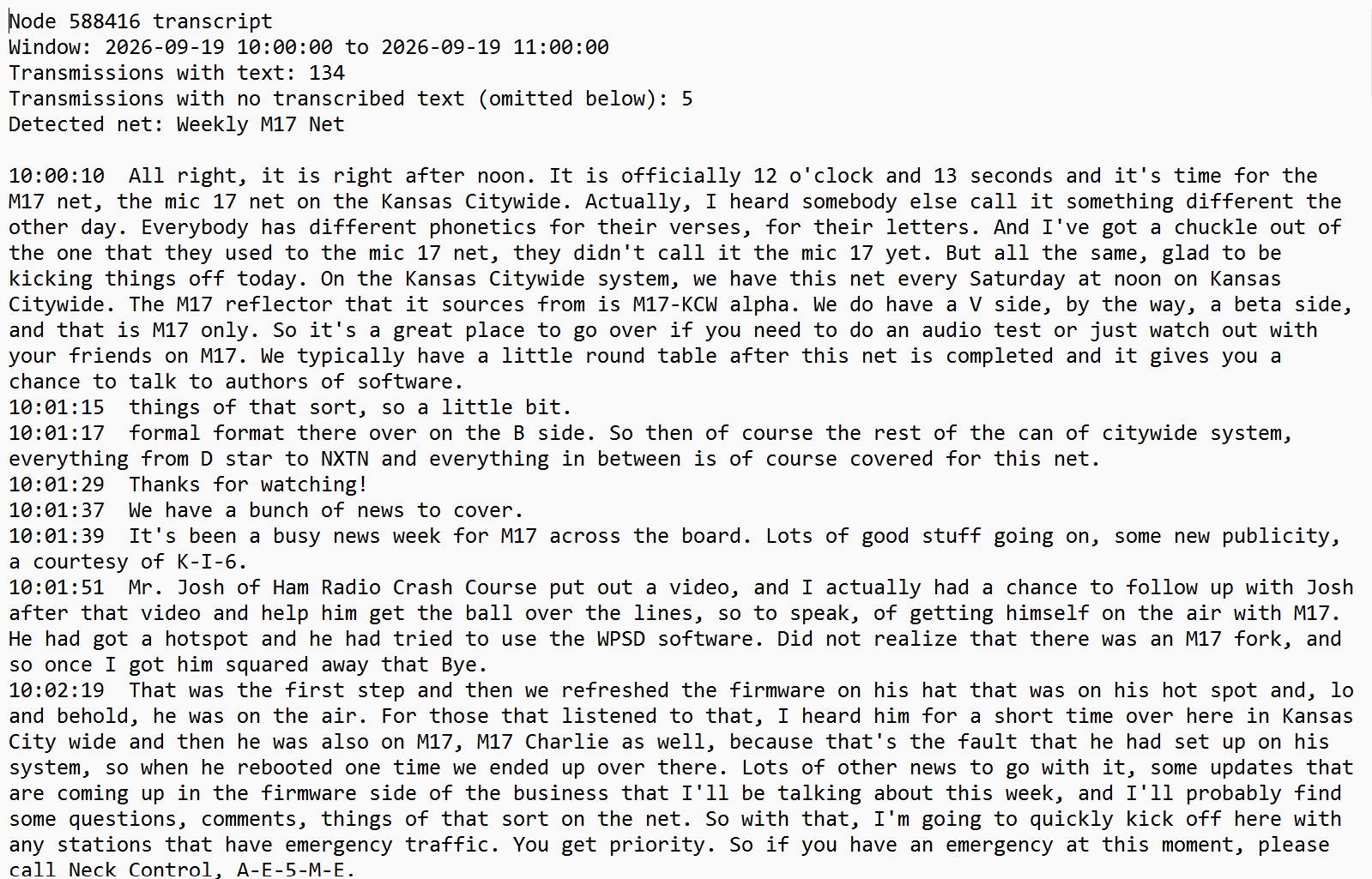
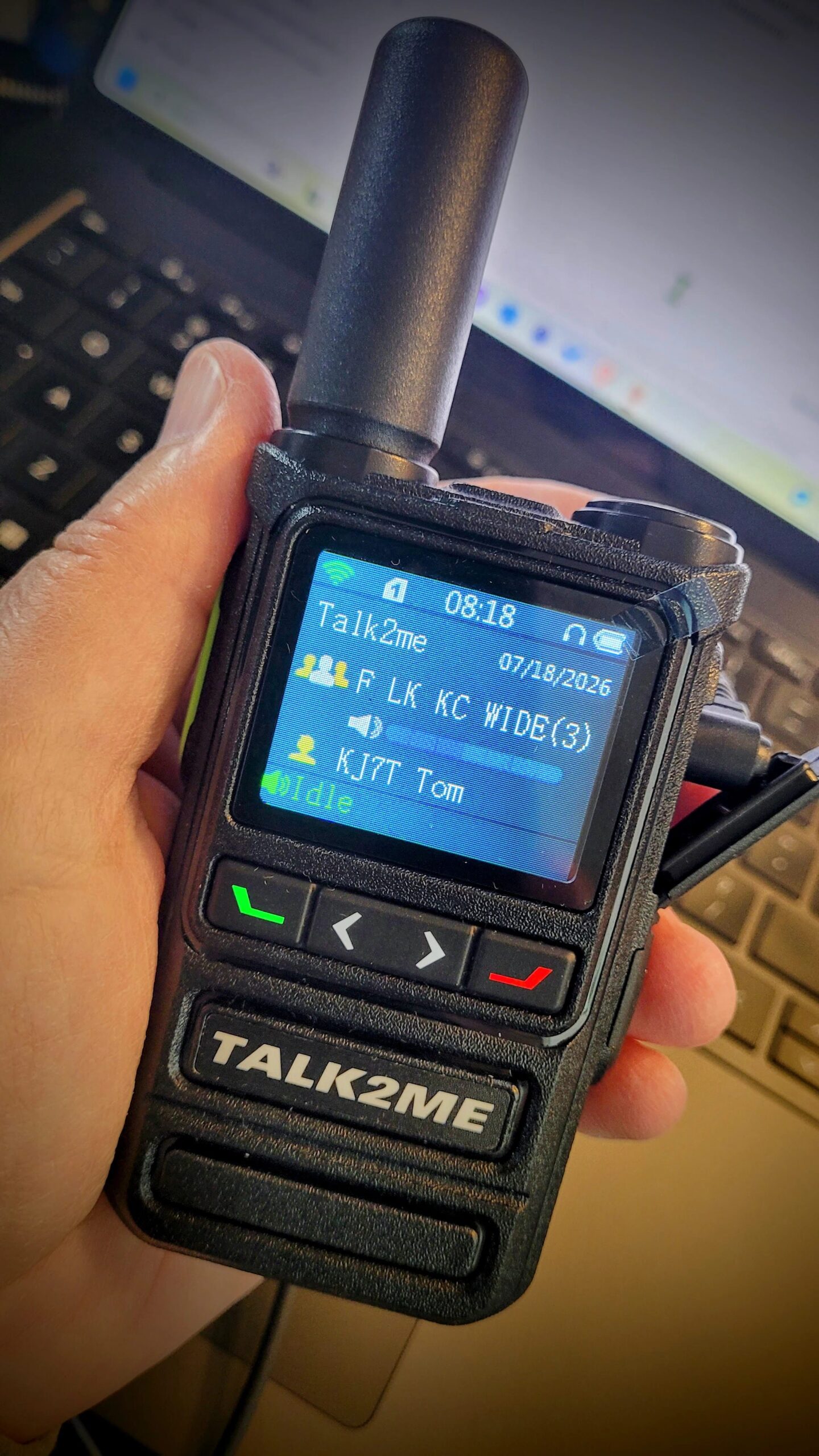
    While I was doing these things, I was listening to our local C4FM repeater, to the W6EK repeater, to America’s Kansas City Wide network, and to the ISS. These regular stops provide good company all week. I also participated in the weekly M17 net held every Saturday on KC-Wide; I always learn new things there.

    A radio friend asked for help so I spent some time testing an installation package for a radio system. Yes, I’m being a little cagey here because this package is not yet ready for prime time, but it is coming along very nicely. I’ll have more on this in a future issue.

    On the HF side, I started organizing my HF rigs, too. I brought multiple Ten-Tec Scout radios with me to the lake house to test and haven’t had time to try them. My tried-and-true Yaesu FT-450D is in a Pelican-brand case next to my desk. The Icom IC-7300 MK2 is in my wife’s room. The other radios are in Harbor Freight cases, ready to be shifted to the garage.

    04 APRS

    I’ve been wanting to stand up a small fill-in digipeater, but I rarely have a lot of time to dig into projects like this. That’s why I was very pleased to see the LightAPRS Gateway by QRP Labs. I have one on order and am looking forward to getting it on the air.

    Since I’m using my sister’s lake house right now, I can’t really drill holes in the wall to pass coax through. However, there are a few unused TV cable pass-throughs available. I have the bits and pieces coming to run coax from the galvanized chimney cap to a TV pass-through. While I know the TV F-connector and cable have 75-ohm impedance and we want 50 ohms, I don’t think it is going to make a lot of difference for this application.

    What will make a difference is getting a good mag-mount above the roofline with a reasonable metal ground plane under it.

    Maybe this will work fine, maybe it won’t. As is my way, I’ll try it and let you know how it goes.

    05 ARRL Radio Comparison Table

    This may be useful for radio amateurs: Find the Right Rig: New Comparison Tool for ARRL Members.

    In the screenshot below, I tested by selecting handheld VHF/UHF radios with APRS capability:

    QST Product Review Database

    QST Product Review Database

    As you can see, there are a number of well-known APRS-capable radios missing from the list, including the Kenwood TH-D74/75 radios. Why? Because the database only covers radios tested by ARRL. If a radio wasn’t tested, it’s not in the database.

    Testing by the ARRL is generally thorough, so if a radio is listed, you can have confidence in the summarized results and the detailed review of the device. If a radio is not listed, that does not mean it performs poorly — it just means ARRL hasn’t reviewed it yet.

    06 New Music Player for the NAS

    I got tired of the OwnTone interface — slow, clunky, and not particularly friendly. This week, I installed Navidrome, an open source music player/streamer. It is working quite nicely. Fingers crossed that it continues to do so.

    I could have installed it in a Docker container, but there was no good reason to do so. Instead, I followed the Linux installation instructions to install it directly on the Beelink network-attached storage box. All went well and the interface looks very nice:

    Navidrome dashboard

    Navidrome dashboard

    There are a variety of client applications for iOS, macOS, Android, Linux, and Windows that can pull from the Navidrome instance. It’s nice to have choices.

    I’ve kept OwnTone for now because I have some audiobooks in it. In the meantime, I’ve installed AudioBookShelf as a potential replacement.

    07 Gadgets

    Headphones

    I’m always on the lookout for comfortable headphones that sound good. I’m not an audiophile — my hearing is no longer good enough to hear the very highest notes. I’m also not a bass head, so that opens up possibilities with off brands.

    I am pleasantly surprised by a pair of wired headphones that arrived this week:

    NUBWO Studio Monitor Headphones, Hi-Res Wired Over Ear Headphones with 1/4 inch to 3.5mm Jack, 45mm Drivers, Professional DJ Headphones for Piano Guitar APM Recording Mixing-HD01 (Black) (this is an affiliate link)

    They sound pretty good. I got them on a deal for $50 and so far, I think they are worth more than that. They are comfortable on my head and ears, and the sound is crisp and clear. These headphones come with two cables.

    At this price point, long-term durability is always a question. Nevertheless, I like them. My test? Listening to The Ultimate Yes, a three-disc album set. I’m pushing the volume and not encountering distortion. If you are a Yes fan, you know the bass work is exceptional, and while the bass is probably a little light for some folks, I find it just right. The sound has some sparkle in the upper registers, I can clearly hear the bass line, and the mid-range is ample.

    Even Nickelback and the Bee Gees sound good with these phones.

    USB Hubs

    I bought two USB hubs, one for the Arduino Uno Q and one for my desk. The UGREEN hub I bought for the Q did not work for me, but this Acer model did:

    acer 6 in 1 USB C Hub with Ethernet, 4K@60Hz USBC to HDMI Multiport Adapter, 100W PD Charging, USB A/USB C Data Ports USB C Splitter for MacBook Neo/Pro M5/Air, Acer, iPad, iPhone 17/16/15 (this is an affiliate link)

    The UGREEN got quite warm when it was connected to Ethernet but the Acer 6-in-1 hub is staying nice and cool. More important for me is I’m able to pass data and power through the single USB-C port on the Q. Also, the Acer hub is about the size of my Roku remote control, meaning it doesn’t take up much real estate on the desk.

    The other hub I picked up for the edge of the shelves beside my desk.

    ORICO Clip Docking Station, 8-in-1 Clamp USB C Hub with 4K@60Hz HDMI, 100W PD, Gigabit Ethernet, 4xUSB Port, AUX, 10Gbps Clamp Docking Station for Laptop, MacBook, PC (Adapter Not Included) (this is an affiliate link)

    This device clamps onto the edge of a shelf where it stays close at hand but still out of the way. Unlike many other hubs, this device features a variety of ports. Very handy.

    08 My Panasonic ToughBook CF-54

    I picked this up a few years ago, finding it to be a solid — if unspectacular — performer. However, the batteries (yes, there are two) are not holding a charge for very long. When I pulled them, I saw they are Panasonic-brand batteries which means they are probably original to this ruggedized laptop.

    Time to go shopping.

    Buying specialized batteries online can be a hit-or-miss proposition. In this case, I headed to Amazon and started looking at reviews. I found the reviews not entirely helpful. It feels like there is a lot of gaming of the system going on when it comes to battery reviews.

    Eventually, I picked one that had a very large number of reviews. It wasn’t the highest-rated battery, but a large review count feels more trustworthy than a handful of five-star ratings.

    I had one other surprise with the CF-54. With nice weather, I like to take a laptop or tablet out on the deck from time to time. My Kindle Paperwhite works brilliantly in the sunshine, but my laptops become very hard to see due to insufficient nits (brightness) and their highly reflective screens. Then I tried the CF-54 in full sunlight and was shocked at how well it performed, once I turned the screen brightness up. Of course, this consumes a lot of battery power, which is why (and now the story comes full circle) I need a new battery!

    09 Keeping Every Ham at the Table

    A friend of mine has some special needs that make conventional computer use difficult. Thinking about his situation in the wake of setting up a self-hosted AI agent on my home server, I realized: this could open a door for him that other technologies have kept closed. The agent can speak, listen, remember, and respond — offering an alternative path around the screen and keyboard entirely. That thought led to a bigger one: how many hams are in situations like his, and are we paying any attention to what technology like this could mean for them?

    Here’s the thing: you’ve probably already worked someone over the air who has significant special needs. You didn’t know, because they were smooth. They had figured out how to do what the rest of us unthinkingly do, just by a different route. That legally blind net control operator running a clean, efficient session. The ham with tremor who has adapted their keying. The operator whose memory isn’t what it was but whose passion for the hobby hasn’t dimmed one bit. They’re already in our community. They’re already on our repeaters. And most of us have no idea.

    We don’t talk much about accessibility in the amateur radio community, but we should. The demographics of our hobby are skewing older. A significant portion of licensed amateurs are in their post-retirement years, and with age comes a familiar constellation of challenges you’ll hear on many repeaters: vision changes, arthritis, tremor, hearing loss, cognitive shifts. These are not reasons to leave the hobby. They’re reasons to think harder about the tools we use and the tools we build. Organizations like Blind Hams (blindhams.network) and BlindHams.com have been doing this work quietly for years. The conversation is not new. What’s new is what technology now makes possible.

    What I’ve been experimenting with is called an AI agent. Specifically, I’m trying Hermes Agent, an open-source project from Nous Research. Unlike the chatbots most people are familiar with, an agent is persistent — it remembers what it learned. It can be given tasks and then carry them out autonomously. And critically, it doesn’t have to live in a browser tab on a bright screen. It can live on a server in your shack, accessible through a phone, a voice interface, or a messaging app. I’ve not seen it examined anywhere. Who has explored what this kind of tool could mean for operators with special needs? That gap is what this piece is trying to close.

    That last point is where accessibility enters the picture in a new way. One of the most interesting configurations I’ve been contemplating pairs the agent with Telegram, a messaging platform available on any smartphone. With that connection in place, a ham could interact with an AI agent entirely through voice messages. Speak your question into your phone; the agent transcribes it, thinks it through, and speaks the answer back. No keyboard. No screen that needs to be read carefully. No bright display in a dark room. On the other side of the microphone, you’d never guess the radio operator had any difficulty because the tools help instead of hinder.

    The applications practically write themselves. Imagine an agent that knows your callsign, your equipment, and your operating habits: one that can tell you current band conditions, look up a frequency, summarize what’s happening on a net, or walk you through a procedure step by step in plain language. For someone with macular degeneration, that’s not just a convenience. It’s the difference between staying active in the hobby and stepping back from it. For someone with arthritic hands who finds typing painful, a voice-commanded assistant could dramatically change the calculus of using a radio and logging contacts.

    Dexterity issues affect more hams than we acknowledge. Essential tremor, post-stroke motor changes, the simple stiffening that comes with decades of living: these make keying harder, tuning harder, and interacting with software harder. An AI agent that responds to voice, that can look things up and report back, that doesn’t require precise finger movements on a keyboard, addresses a real need we rarely discuss. The hams managing these challenges mostly figure it out on their own, quietly, without asking for help. We could be doing better by them.

    Cognitive support is another frontier worth taking seriously. Early-stage memory changes are more common than people let on, and they don’t disqualify someone from enjoying the hobby they’ve spent decades building. An agent with persistent memory, one that knows your station, your typical contacts, your preferences, can serve as a patient, non-judgmental assistant that helps fill in the gaps without any stigma attached.

    The self-hosted dimension matters here too. Many hams in this demographic are rightly cautious about privacy, about subscriptions, about depending on services that might change their terms or disappear. A self-hosted agent runs on hardware you own, on your local network, with no data leaving your house. It doesn’t require a monthly fee. It works when the internet goes down. These are not small things for someone on a fixed income who has learned, over a lifetime, to be skeptical of anything that requires a recurring payment and a Terms of Service agreement.

    I don’t have a complete solution to offer yet. The Telegram voice interface I described is still in development on my end, and there’s real work ahead in making any of this genuinely accessible rather than just theoretically possible. What I have is a working experiment, a growing conviction that this is worth pursuing seriously, and a question for the community: who among us has thought about this? The AI tools now exist to make amateur radio more accessible in ways that weren’t previously possible.

    The need is real, and the people who could benefit are already part of our community: running net control, logging contacts, maintaining repeaters, Elmering new hams, doing extra things we never have to think about, just to stay at the table. They deserve tools that make that easier. And the rest of us? We benefit, too. Those are experienced voices, hard-won skills, and decades of institutional memory. We are all made better when we keep the table full.

    10 Short Stack: Interesting Internet Finds

    Radio

    M17

    SDR

    • SDR++ Setup Guide: How to Install and Configure SDR++“For years, SDR# (SDRSharp) was the default recommendation for most SDR enthusiasts. While SDR# remains extremely popular, many hobbyists have migrated to SDR++ because of its modern interface, excellent performance, and support for Windows, Linux, and macOS.”

    • I Built My Own Flight Tracker with a Raspberry Pi For this project, I’m using the FlightAware Pro Stick Plus, which combines the filter, amplifier, and SDR receiver into one USB dongle. You plug it into the Raspberry Pi, connect an antenna, and install the software.”

    Meshtastic

    • Meshyface“Meshyface is a chat-first Meshtastic dashboard that runs as a single Python service and serves a single-page web UI over HTTP.” As near as I can tell, it’s a web interface that shows the topology of a Meshtastic network.

    AI

    11 KJ7T Shack Notes

    • Using the Groups.io Digest script means I can eliminate a bunch of daily emails in my inbox! Find the script on GitHub.

    • A subscriber made some needed corrections to my code in the HFWatch repo, and I appreciate those improvements.

    • The Great Plains Super launch is gearing up for the weekend. Many balloons beaconing on APRS.

    • I’ve been noticing more stations popping up on 6 meters in my HamClock display, so the “magic band” season must be upon us.

    • When I started reading about Tailnet Lock for Tailscale users, I became quite interested…until I realized this is really an edge case that is unlikely to affect my use case. Shared here in case it lands for you.

    • Internet failures are happening more frequently at the lake house than they have for several years, so I’m thinking about a low-cost cellular hotspot for resiliency.

    • You may be aware of a service called Ham.live that allowed net control operators to also check in people over the internet and have side chats during radio nets. Well, Ham.live is going dark but the dev has released the code on GitHub. Want to run your own version? Now you can.

    12 QRT: End Transmission

    I did not get as much writing time in this week as I wanted. Instead, I spent last weekend preparing for a board of directors meeting for my state association — the one meeting each year I think of as The Most Important Meeting. Why important? Because the board debates and decides on our annual budget, and this year, we had to pull from reserves to balance the budget.

    Why did it weigh on me so heavily? The state association exists to serve our 45 member districts, and they in turn deliver programs communities depend on. When the association hits a budget speed bump at the same moment state agencies are being squeezed, the ripple effects are real. That’s the context — and it’s why I didn’t sleep much last weekend.

    The good news? My board adopted the budget as proposed. The bad news? We know we’ll have a tremendously difficult challenge next January, so we’re going to be investing a lot of time and energy preparing for that. Making this even more complicated is the turnover in the state legislature — we won’t know until early November who will be representing Washington State citizens when the Legislature convenes in January.

    Fortunately, I have a lot of radio things and thoughts to keep my mind busy. Thank you for sharing this journey, and as always, please let me know your ideas and feedback. Without you, there would be no Random Wire newsletter or EtherHam.com website.

    73, and remember to touch a radio every day!

  • Tom Salzer KJ7TRandom Wire 186: How will amateur radio and AI evolve?​Random Wire℠

    Tom Salzer KJ7TRandom Wire 186: How will amateur radio and AI evolve?​Random Wire℠

    This has been a very thoughtful, introspective week for me. I had a birthday a few weeks ago and my wife’s birthday was a few days ago. In a couple of months, we’ll celebrate 49 years of marriage. I am, quite simply, amazed…and when I look back in time, there is an awful lot to remember.

    But those marker moments are also cause for reflection, and some of my ruminations spilled over into the amateur radio realm. The first piece in this issue of the Random Wire is about where AI is taking our hobby: The Machine Learns to Listen. The second piece is about re-centering the Random Wire and EtherHam, and seeking feedback: The Journal and the Workbench.

    As a fun diversion, I wrote up how to use a small ESP32-powered device to mine for Bitcoin: Playing the Bitcoin Lottery at Home. The crossover with amateur radio? Learning about ESP32 devices in general. The ESP32 is everywhere in the maker/IoT world. I’m hoping the Bitcoin article will give hams a friendly on-ramp through something as immediately tangible as “plug it in and it does a thing.” Bitcoin lottery mining is probably the most motivating possible introduction to the platform — much more fun than blinking an LED. I expect to be learning, and sharing, about the ESP32 platform in future issues.

    I also did some Python coding to pull recent topics from a variety of Groups.io conversations into a one-page summary: Groups.io Digest with Python. I already learned something new from making it easier to harvest this information.

    Yesterday, I went looking for a traffic reporter for YSF/C4FM/WiRES-X, and that took me to a place of realization I didn’t quite expect. The full piece is on EtherHam at Walled Gardens and Unlabeled Mazes: Why C4FM Users Can’t Find Each Other.

    And I fiddled with some radios and added a fan to a Raspberry Pi 4-based AllStar node. Nothing special, but certainly enjoyable. Lots of projects on the bench to work on, including an Arduino Uno Q board — I’m really looking forward to playing with this platform. It has 4 GB of RAM and 32 GB of eMMC storage for just $59. Fingers crossed.

    The bench didn’t slow down just because I was feeling reflective. Let’s dive into the Random Wire topics for this week!

    A Thank You Long Overdue

    Some tools become so woven into how you operate that you stop noticing them. APRS is like that for me. The little icons moving across a map, a beacon confirming a friend made it over the pass, a weather object appearing before the storm does — it’s just part of the fabric of how I think about being on the air. My Yaesu FTM-300DR radio in the pickup truck runs APRS automatically.

    None of that would exist without Bob Bruninga, WB4APR (SK).

    APRS traces back to 1982, when Bruninga wrote his first data map program to plot the positions of U.S. Navy ships on an Apple II computer. A few years later he was running packet communications on a VIC-20 and C-64 to support an endurance race. By 1988 the program had moved to the IBM PC, and in 1992 it got the name we know: APRS. He kept pushing it — not just as a position reporting system but as a live tactical picture of whatever a community of operators needed to share.

    Bob was a retired U.S. Naval Academy senior research engineer who never seemed to retire from the work that mattered. He founded the Appalachian Trail Golden Packet event, fielding APRS nodes from Stone Mountain in Georgia all the way to Mount Katahdin in Maine every July. He wrote. He answered questions. He kept the vision alive long after he could have handed it off and walked away.

    Bob passed away on February 7, 2022, at age 73, after a battle with cancer complicated by COVID-19. His key is silent now. The network he built is not.

    I’m lucky to know someone who carries that tradition forward locally. Herb, KB7UVC, is one of those hams who has forgotten more about APRS than most of us will ever learn — and who will actually sit down with you and work through a problem until it makes sense.

    So: thank you, Bob. Thank you, Herb. APRS may mean “automatic” but I know the work to build and support APRS has been anything but.

    This “thank you” section is a weekly feature to share my gratitude and appreciation for radio amateurs that have helped make my journey more enjoyable.

    The Machine Learns to Listen

    Those of us who came up turning dials have watched amateur radio change beneath our hands. The rigs got quieter, then smarter, then started doing things we couldn’t do ourselves. I’ve been thinking about that arc lately — from the glow of a tube radio warming up, to FT8 pulling signals out of noise I couldn’t hear, to what comes next.

    Because something is coming next. Machine learning is already reshaping weak-signal decoding and interference rejection. Further out are transceivers that model your RF environment and learn your operating patterns over time — not radios that operate themselves, but genuinely intelligent partners. The hardware headroom already exists. This is a software problem now.

    I wrote a longer piece about all of this over at EtherHam — where the arc came from, where it appears to be going, and what I think the real question is for our hobby as AI starts showing up in high-end rigs. If you’ve ever felt the particular unease of watching a machine exceed your capabilities, or wondered whether the vintage operators and the SDR experimenters are in conflict or in conversation, I think you’ll find it worth the read. See: The Machine Learns to Listen.

    Exciting News: M17 Audio Over RF

    Jeff AE5ME posted this YouTube video early this week about using Greg W5GGW’s M17 app on iOS with a Mobilnkd TNC4 to send M17 audio over RF, and to receive it in the app from an RF signal. This is a great moment for M17!

    This nine-minute video describes and demonstrates how to configure the M17 app and the TNC4 to send and receive over-the-air M17 audio.

    Jeff’s video was also picked up by the M17 Project.

    The Journal and the Workbench

    I started writing the Random Wire because I wanted to capture what I was doing so I didn’t have to relearn it later. I had been keeping project notes and a radio friend suggested I publish what I was working on because “other hams are having the same problems.” So I did, and I named this journal of my amateur radio explorations the Random Wire newsletter.

    As time went on, the articles got longer and more detailed. Deep dives with plenty of workbench-level detail. Some of them amount to A-to-Z how-to guides. At some point I realized I was writing two different kinds of things: a journal of what I was experiencing, and a workbench record of what I actually did and learned. That’s when EtherHam was born.

    The Random Wire is the journal. EtherHam is the workbench.

    Everything published on both platforms comes from direct personal experience. I built it, or it broke and I fixed it, or I tried something and it didn’t work the way I expected. The knowledge sitting in my head does nobody any good if I don’t share it — and whatever problem I just solved, someone else has already hit that same wall, probably at 11pm with their soldering iron in hand.

    This split in style is not a true dichotomy because the two often overlap. You can’t really separate what you are experiencing from what you are doing. But they come at the same territory from different directions, and I think of them as a complementary pairing rather than competing platforms.

    Along the way, I added sections to the Random Wire — band conditions, radio history, a digital news digest — that felt like things a newsletter should have rather than things that naturally belonged here. Good content, wrong home. I’m moving those sections to EtherHam where focused reference material belongs, and the Random Wire goes back to being what it started as: a craftsman’s journal, written at the end of a week at the workbench.

    I wish I knew more precisely how subscribers and readers perceive these two platforms. The available metrics are genuinely useless unless you think total subscribers or page hits tell you something meaningful. I don’t. What matters to me is hearing from you that something I wrote was useful, or saved you an evening of frustration, or pointed you somewhere worth going. That’s the whole measure of success here.

    So here’s what I’d genuinely like to know: when something I’ve written has been useful to you, what kind of article was it? A build walkthrough? A troubleshooting story? A short take on something new? Tell me in the comments or drop me a note. That feedback helps shape what lands on the workbench next.

    Leave a comment

    TIDRADIO TD-H9: More

    Since I’ve always had good luck with programming software and cables from RT Systems, I ordered their programmer and special cable for the TIDRADIO TD-H9. I have two TD-H9 radios. One will probably be largely devoted to APRS work. The other will be for general analog use. Being able to program them both with one program and one cable will be efficient.

    The RT Systems package arrived and I loaded up the programmer on my old ToughBook. However, I was taken aback by the sparseness of the programming interface. I had hoped to be able to configure other aspects of the radio, such as APRS beaconing, through the programmer. I’m not seeing where to accomplish that from within the RT Systems software. This means that to get the radio working correctly for you, you’ll still need to dive into the radio menus through the front keypad.

    It’s easy to enter a frequency, specify whether it is simplex or a repeater frequency with an offset, and set the power level. That is truly more convenient than wading through the menus in the radio. But if you want to enable GPS, turn APRS on or off, and enable beaconing, you’re stuck doing that directly on the radio.

    I don’t regret buying the RT Systems package for the TIDRADIO TD-H9 radio. It works brilliantly for what it is. But I wish it did more than just the basics of frequencies, channels, offsets, and power level.

    Groups.io Digest with Python

    I monitor a lot of Groups.io mailing lists — ARDC, PNW DMR, LinuxHam, TinySA, and a bunch of others — and I got tired of checking them one at a time. So I built a Python script that does it for me. When I want to catch up, it hits the Groups.io API, pulls recent activity from every group on my list, and generates a digest report that opens in my browser with everything ranked by activity and every thread title linked directly to the discussion. It took longer to figure out the API quirks than to write the script, but the result is exactly what I wanted.

    The script is free, requires no external Python libraries, and runs on Windows, macOS, and Linux. I wrote it up in detail on EtherHam — including how to handle subgroups, restricted groups, and scheduling it to run automatically every morning. Grab it at etherham.com or directly from the EtherHamRadio GitHub repo (and thank you to the subscribers who urged me to set up a GitHub space for code like this).

    Listening to W6EK on Baofeng UV-5R Mini

    While grinding up my wife’s morning meds, I grabbed the Baofeng UV-5R Mini transceiver to listen to traffic on the W6EK repeater. I never thought I’d say that I like a Baofeng radio…but I do like this one. It sounds fine, it slips easily into a pocket, and is just a very convenient package to use:

    BAOFENG UV-5R Mini Ham Radio Long Range Handheld Two Way Radio, Bluetooth APP Programming Walkie Talkies 2 Pack, 999CH One-Key Copy Frequency, NOAA Weather, USB-C Charging, Dual-Band, Green (affiliate link)

    I added a stubby antenna to make it even more convenient at home:

    ABBREE Ham Radio Antenna Dual Band VHF/UHF 144/430Mhz 1.96inch AR-805S SMA- Female Long Range Stubby Short Antenna for Baofeng UV-5R Mini 5RM BF-F8HP PRO, K5 Plus, DM32, UV32 Radio Accessories, 2 Pack (affiliate link)

    In this photo, the radio is sitting on the kitchen stove while I listen to the W6EK repeater through my AllScan ANF101 node that is transmitting to the Baofeng.

    Later, while finishing this section, I listened to ASL node 516221 which carries ISS radio traffic, passing through my local ASL node 588418.

    I shared my first impressions of the tiny UV-5R Mini back in February. I continue to be surprised at how much I like this little transceiver.

    B.B. Link Adapter: Last Chance

    If you use an iPhone or iPad and have a Kenwood TH-D74 or D75A transceiver, this alert may be for you. Georges WH6AZ reached out to me last week with an aloha and a note about the last stock of his B.B. Link adapter.

    Meet B.B. Link, the adapter that allows iPhones and iPads to connect to Kenwood TH-D75 and D74 radios via Bluetooth. iOS devices, which are limited to Bluetooth Low Energy (BLE), can’t pair natively with these radios. With this adapter, iOS applications like RadioMail can access the radio’s built-in KISS TNC packet modem for off-grid communication. Simply plug the adapter into a USB-C port for power, turn your radio on, and you’re set.

    Georges authored Transceive, an AllStar app I use on my iMac. Transceive received a rare Random Wire Recommended sticker from me. I like Transceive.

    His B.B. Link product is reaching the end of its production run and he does not plan another run. He writes:

    Nearly two years ago, I introduced the B.B. Link, an adapter that allowed apps like RadioMail, Packet Commander, and now Radio Messenger to use the built-in packet TNC of the Kenwood TH-D74 and TH-D75 radios. At the time, iPhone-friendly ham radio interfaces were scarce, and B.B. Link filled a real need.

    The landscape has evolved. We now have capable audio adapter options such as the Digirig Lite and AIOC, which let software modems interface over audio directly. We also have reasonably priced HT radios like the UV-PRO and VG-N76 that expose their TNCs over BLE.

    I hope radio manufacturers continue this trend and ensure future hardware exposes a TNC, or at least a Bluetooth or Wi-Fi–accessible audio interface, so more people can participate with less friction.

    I never set out to become a hardware maker. I built the first prototype for myself and hoped I might sell the initial batch of 100 to recoup my cost. Demand far exceeded that, and I’ve been humbled by the reception.

    But B.B. Link has always been a handcrafted project. Managing supply chain challenges, tariffs, assembly, testing, order fulfillment, and support has been meaningful work, but also time consuming. It’s time for me to reclaim that bandwidth and focus fully on software development, where I can deliver the most impact for the community.

    With that in mind, B.B. Link availability will end once the current batch sells out. I expect most who want one already have it, but if you need a spare (or know someone who would) now is the moment.

    The firmware remains open source for anyone who wants to build their own DIY version.

    If you use an iPhone or iPad and have a Kenwood TH-D74/D75 radio platform, this is a “last chance” notice to get a useful tool that eases access to the TNC in those radios. I do have a TH-D74A so this notice applies to me, too!

    Playing the Bitcoin Lottery at Home

    A friend of mine has been running a tiny Bitcoin miner on her home network for the better part of a year. She knows — with complete mathematical certainty — that she is almost certainly never going to find a block. She does it anyway. “It’s the cheapest lottery ticket I’ve ever bought,” she told me, “and it never expires.” That was enough to get me curious.

    The device is called a NerdMiner — an ESP32 microcontroller running open-source firmware called NMMiner — available on Amazon for around $22. It draws a fraction of a watt, connects to your WiFi, and quietly submits hashes to a solo Bitcoin mining pool around the clock. Your odds of finding a block are approximately those of winning the Powerball. But the hardware costs less than a tank of gas and runs indefinitely on any USB charger, so the ongoing cost is a few cents a day.

    Setting one up is more involved than plugging it in — the shipped firmware is out of date, there’s a specific pool configuration that actually works for low-powered devices, and there’s one bootloader quirk that will stop you cold if you don’t know about it. I’ve written up the complete walkthrough, including the COM port gotcha that would have saved me time if I’d known it going in.

    If the idea of a perpetual lottery ticket running quietly on your shelf sounds like your kind of thing, the full article is at EtherHam.com.

    Added a Fan to the RPi4 AllStar Node

    My AllStar node 588410, built on a Raspberry Pi 4 platform with an uninterruptible power supply (UPS) hat, was running rather warm. Not the 80°C temperature where the SoC (system on a chip) begins to self-throttle, but much warmer than I liked.

    I bought a very inexpensive 30mm fan from Pi-Shop that was made to fit my tall RPi4 case. It fit perfectly. Even though it is a 5-volt fan, I powered it from a 3.3V GPIO pin on the hat. Why? Because the fan runs slower at 3.3V, and slower means quieter. It is running silently and doing a good job of bringing the 60°C temps down to the mid 40°C range: quite acceptable.

    I’m happy with this small addition to the package. Node 588410 now has the RPi4 and UPS and cooling fan inside a single case.

    During this journey, I learned of a useful alternative to the Enhanced Parrot node 55553, and that is AllStar node 2002. I knew this but had forgotten it until I read this in the SHARI Groups.io group: “…call Allstarlink node 2002, which is a parrot that has a built-in IAX ping diagnostic. If after you connect, it comes back and says ‘your node is unreachable’, then either your port is not forwarded correctly, or something upstream is blocking incoming packets to that port, i.e., CG-NAT.” Node 2002 provides useful information, whether you are testing the accessibility of your node or just checking your transmitted audio volume.

    Walled Gardens and Unlabeled Mazes: Why C4FM Users Can’t Find Each Other

    If you’ve ever keyed up on a WiRES-X room and heard nothing but silence, you’re not alone — and you’re not doing anything wrong. The problem isn’t your radio or your node. It’s that the C4FM ecosystem was never built to help you find where the conversation is happening. This week on EtherHam I went looking for the monitoring tools that should exist for YSF and WiRES-X users — the kind DMR and AllStarLink operators take for granted — and what I found was a more interesting story than I expected.

    It turns out open protocols don’t automatically produce open, navigable ecosystems. Somebody still has to build the town square. WiRES-X and YSF aren’t just two names for the same thing — they’re two fundamentally different systems with different governance, different infrastructure, and different reasons why the tools that would make them navigable never got built. One is a classic corporate walled garden. The other is something stranger: an open protocol that the community never quite organized around…but still could.

    The full piece is on EtherHam. It gets into why this happened, what partial solutions exist, and whether it’s fixable. Spoiler: one side of that answer is more hopeful than the other.

    Weekly Reports Moved to EtherHam

    I’ve moved the Band Conditions, Digital Radio News, and Groups.io Digest reports to the EtherHam website. This week’s post is Weekly Report: June 11, 2026.

    I’ll use the same header image as shown here for each weekly report. That will make it easier to key in on this regular informational feature. In general, I run my routines once a week, on Thursday, for publication by Friday morning.

    Short Stack

    APRS

    Shortwave

    Windows

    AI

    Support

    Occasionally, I remind subscribers that supporting the Random Wire and EtherHam is very helpful. There are many ways to give support as described on the Support EtherHam page, should you choose to do so.

    I’ve been trying to add a summer hat in time for Field Day but my EtherHam store is rejecting the custom embroidery for some reason. Looks like a nicely ventilated booney hat will have to wait until I get that sorted out.

    As I noted several issues back, the location of the EtherHam logo on the Champion sweatshirt was not quite right. I adjusted it and the new location looks better.

    Thank you to all who support the Random Wire and EtherHam. Support doesn’t mean you contributed money — it also means you subscribe and read and comment from time to time.

    And who are EtherHams? We are. Since we all use computers in some aspect of our amateur radio activities, I think we are all EtherHams.

    Home

    I found a box of old compact discs in the closet. It’s a box of memories, really, of the many great times my wife and I shared with music. She was a music educator her entire working life, so music was ever-present in our lives. For many years, I also functioned as her roadie, setting up music concerts, repairing band instruments, and fixing amplifiers and wires. Those are great memories, both of helping my wife and of all of her great students.

    Many of the CDs are so old they don’t have metadata encoded on the disc. When I rip the music to my network storage, it often shows up as Unknown Artist and Track 1, Track 2 instead of names, and doesn’t show any cover art.

    To fix this, I started using Mp3tag to edit the metadata for tracks I’m saving on the new network-attached storage box. This is a bit time consuming, but it also lets me dwell a bit on the songs. (Lots and lots of memories!) After editing the metadata, I open the album in MusicBee and ask it to find the cover art…and it usually does. Then I re-scan my music folder on the NAS to add the album and named tracks to my music library.

    But then I discovered a shortcut — I found I can rip CDs directly into MusicBee. The app does a good job of finding metadata and album cover art as part of that process. I rip the CD to my laptop, then copy the entire folder to my NAS drive and tell OwnTone to rescan my music library. Very easy.

    Music really does touch the soul. When I listen to these songs, I’m remembering where we were, what we were talking about, how we were feeling. What’s more important is that these old songs evoke memories and emotions in my wife, despite her cognitive challenges. It’s truly amazing and I’m happy to help her experience such moments.

    Right now? We’re listening to a two-disc collection of Tom Jones greatest hits. There are a ton of memories embedded in those tunes!

    73, and remember to touch a radio every day!

  • Tom Salzer KJ7TRandom Wire 185: reRouter as AllStar node, APRS working on TD-H9, Better home NAS & DroidStar IAX fix​Random Wire℠

    Tom Salzer KJ7TRandom Wire 185: reRouter as AllStar node, APRS working on TD-H9, Better home NAS & DroidStar IAX fix​Random Wire℠

    00 QRV: Are You Ready?

    Welcome to Random Wire 185.

    On the amateur radio side, I’m very pleased to share a positive outcome after a month of trying to get APRS beaconing working reliably on my TIDRADIO TD-H9 handheld transceiver. As is often the case with stubborn problems, the solution ended up being a simple on-off setting, but finding that took extensive trial-and-error testing. It’s a small thing that felt like a very big thing when I finally cracked it

    On the technology side, I’m also happy to share my new network-attached storage (NAS) solution using a Beelink ME Mini PC. It’s affordable, quick, and should be reliable. This project is well within reach of anyone who runs Linux on a computer, and it’s a great learning opportunity if you’re just getting started.

    Find links to these below in the New on EtherHam section.

    01 Thank You…America’s Kansas City Wide Network

    This week’s thank-you goes to the team behind America’s Kansas City Wide Network — one of the most reliably busy watering holes on the digital amateur radio scene. Dedicated volunteers keep the lights on, and a very active group of regulars keeps it from ever getting too quiet.

    I tune in when I travel. There’s a Portland repeater on the network, which means I can monitor and participate whenever I’m in range — a small thing that makes a long drive considerably more interesting. What I especially appreciate is that KCWide hasn’t stood pat. They’ve linked an M17 instance, extending a warm welcome to the new kid on the block. That kind of openness matters.

    If you haven’t found your way to KCWide yet, consider this your invitation. Thank you to everyone who keeps it going.

    02 New on EtherHam

    It was a very satisfying week with several big wins.

    The TIDRADIO TD-H9: A $70 APRS Radio Worth the Effort

    The TIDRADIO TD-H9: A $70 APRS Radio Worth the Effort

    The TIDRADIO TD-H9: A $70 APRS Radio Worth the Effort

    The TIDRADIO TD-H9 offers 10 watts, VHF/UHF, AM airband, a built-in TNC, GPS, APRS, Bluetooth, and a spectrum analyzer for around $70. The hardware delivers on that promise. Getting APRS automatic beaconing to work reliably, however, took two radios, weeks of testing, packet log analysis, and a lot of time on aprs.fi. The culprit turned out to be an undocumented interaction between two settings — and once identified, it was a one-sentence fix. This is what I learned, so you don’t have to learn it the hard way.

    The full writeup is on EtherHam: settings, firmware notes, real-world packet data, and more. Make the jump to Getting APRS Working on the TIDRADIO TD-H9 for the details.


    An AllStar Node on the Seeed reRouter CM4

    The Seeed Studio reRouter CM4 1432 is a compact mini-router built around the Raspberry Pi Compute Module 4 — and unlike standard Pi builds, it stores its operating system on onboard eMMC flash rather than a microSD card. For AllStar node builders who’ve lost a node to card corruption, that’s a compelling detail. This article walks through converting the reRouter from its factory OpenWRT installation to Raspberry Pi OS, installing ASL3 on Debian 13, and building a fully functional AllStar node — including UCI radio interface setup and thermal testing of the passive cooling system.

    Read the complete article: An AllStar Node on the Seeed reRouter CM4.


    Retiring the Pi 4: Building a Better Home NAS with the Beelink ME Mini

    Retiring the Pi 4: Building a Better Home NAS with the Beelink ME Mini

    Retiring the Pi 4: Building a Better Home NAS with the Beelink ME Mini

    The Beelink ME Mini is a purpose-built NAS mini PC that competes directly with a Raspberry Pi 5 kit on price but wins decisively on performance, thermal design, and expandability. It ships with an Intel N150 processor, 16GB LPDDR5, a 1TB NVMe, dual 2.5GbE ports, and six M.2 slots — all in a compact enclosure with a substantial internal metal heatsink and a built-in power supply. If your Pi-based NAS is running out of steam, this is worth a serious look. Here’s my experience migrating a home NAS and OwnTone music server to this platform, running Debian 13 and OMV 8, including the gotchas worth knowing before you start.

    Visit Upgrading the Home NAS: From Raspberry Pi 4 to Beelink ME Mini for more.

    DroidStar IAX Still Broken — But the Fix Exists

    DroidStar IAX connections

    DroidStar IAX connections

    DroidStar’s IAX/AllStar connection mode stopped working for many users in early 2026 — the Connect button simply does nothing. This article traces the bug to its root cause, tests available prebuilt Android APKs, and then builds DroidStar from source on a Raspberry Pi 4 utility machine to confirm that the fix is real, the IAX handshake works, and the problem is that nobody has shipped a working Android build yet.

    Learn more at DroidStar IAX Connections: Broken Builds, a Working Fix, and a Rabbit Hole Worth Falling Down.

    03 Gadgets

    USB Cable Tester

    I got a little frustrated last week trying to find a USB-C cable that carried data. It seemed like every cable I pulled out of the box was a charge-only cable.

    Time for a cable tester. I ordered this one, even though it requires the user to interpret the LED lights displayed when testing:

    Treedix USB Cable Tester USB Cable Checker Data Wire Fast Detection for Type-C, USB-A 3.0, Micro-B 3.0, Micro-B 2.0, Mini-B 2.0, and for Lightning Cables by Checking the LEDs (this is an affiliate link)

    It is rated 4.5 stars by more than 100 users. For $19, I think this will save me a whole bunch of frustration. There is a less expensive version with clear acrylic panels and open sides, but since this will get tossed in the radio bag, I was more comfortable with an enclosed case.

    Marking tested cables was the next problem — I didn’t want to test the same cable twice. I thought about heat shrink, but that seemed like overkill. Colored electrical tape would work, but cables hit the floor and tape ends lift, collecting lint and dirt. The solution I landed on: red and green gel nail polish. Charge-only cables get red. Data-capable cables get green. I cure the dots with the UV flashlight I carry when I travel.

    365nm Black Light Flashlight, UV Flashlight Rechargeable with LCD Display, Powerful Ultraviolet Lights for Pet Urine Detection, Resin Curing, Rockhounding, Scorpion, Uranium Glass, A/CLeak (this is an affiliate link)

    That seemed to work. It took about a minute of exposure to cure the nail polish dots to the point they were firm and no longer tacky.

    Curing the dots

    Curing the dots

    And I have another use planned for the red polish. Mom used to love going trolling for trout. Her favorite lure was a Dick Nite spoon. She always used a spot of red polish to put an eye on her lure. She called it her “Tricky Dicky” lucky lure. Good memory.


    Earbud for AllScan UCI80M

    I went looking for a way to monitor conversations on AllStar using one of my nodes configured with an AllScan UCI80M USB Communications Interface. The UCI80M uses a Motorola M1 speaker-mic connector. I found an earbud with an M1 connector and gave it a try. These are common in K1 (Kenwood) configurations but harder to find in M1.

    Earbud with PTT mic for M1 connection

    Earbud with PTT mic for M1 connection

    It works. The push-to-talk mic tested as “good audio” with the Enhanced Parrot on node 55553. Transmitted audio isn’t studio quality, but it’s understandable.

    More interesting is the earbud itself. It’s a single unit with a rubbery tip that fits comfortably in the ear canal. When I first plugged it in, the audio level was painfully high and distorted.

    In AllStar, TX and RX audio levels are set in /etc/asterisk/simpleusb.conf. It’s somewhat counterintuitive: the audio you hear is set on the TXMIXASET line, and the audio you transmit is set on RXMIXASET. I worked my way down from the default of 500 — tried 400, 300, 100, 50. Still too loud. At 40, still too loud. At 30, clear and comfortable. Below 30, no output at all. So 30 it is.

    The package also included an acoustic tube earbud. I normally skip those — never liked how they feel — but tested it anyway. Surprise: barely any audio at 30. Cranked TXMIXASET back to 500 and got excellent, clear audio at a comfortable level. Pro tip: if the standard earbud is too loud, try the acoustic tube before fiddling with the config. Also, if you’re getting static, try rotating the plug slightly in the PTT housing.

    TXMIXASET setting in simpleusb.conf

    TXMIXASET setting in simpleusb.conf

    2 Pin Earpiece M1 Ear Piece Headset Ptt Mic to 3.5mm Aux Audio Earphone for Motorola cp100 cls1410 gp300 cp200d bpr40 CLS 1110 1410 cp185 dlr1060 rdm2070d dlr1020 rmu2040 rdu4100 dtr700 (this is an affiliate link)

    This device has only 3.1 stars on Amazon, but from a sample of seven reviews. I thought it was worth the gamble at around $20. I’d give it 3.5 stars myself — maybe 4 if it proves durable. It does exactly what I needed: a way to monitor and participate in AllStar conversations through the UCI80M.

    Fair warning: overmodulated stations really punch through when the speaker is millimeters from your eardrum. Great in a noisy environment. In a quiet room, bring TXMIXASET down.

    04 Run Your Own NotebookLM — Locally

    If you’ve used Google’s NotebookLM, you already know the appeal: drop in a document, ask questions, get answers grounded in your actual source material rather than whatever the model feels like inventing.

    Open Notebook is the self-hosted version of that idea. Same workflow — upload PDFs, web pages, or documents, chat with an AI about the content, generate notes and summaries — but running entirely on your own hardware, with your choice of AI provider. It supports Ollama, so if you’re already running local models, you’re most of the way there.

    I spun it up in a morning in an LXC container on my Proxmox server, pointed it at my existing Ollama instance, and had it ingesting a budget document within the hour. The install is Docker Compose — two containers, a config file, and you’re done.

    The Open Notebook project is at github.com/lfnovo/open-notebook. If you’ve got a home lab and you’ve been curious about NotebookLM but prefer keeping your documents off Google’s servers, this is worth your time.

    05 Digital Radio News Digest

    Digital radio news is a bit light this week.

    Recent developments in amateur radio digital voice and VoIP linking modes include updates to AllStarLink, with improvements to QSO One stability and the introduction of YAAMon, a new AllStarLink monitor. The MMDVMHost repository has also seen an update, and the app_rpt repository has received several commits, including fixes for call failures and additions to non-blocking PTT kick pipes. The Amp-ASL amp-server repository has been working on a custom Pi image to streamline installation.

    06 Band Conditions This Week

    With a solar flux of 144 and a sunspot number well into the triple digits, the higher HF bands are in fine shape right now — 10 through 20 meters should reward anyone willing to spin the dial, and DX contacts are well within reach. Today’s K-index of 1 points to quiet, stable conditions, but don’t let that lull you into thinking it’s been a smooth week; a max K of 4.3 tells us the geomagnetic field threw a minor tantrum at some point, likely giving the polar paths a rough go and knocking the low bands around for a stretch. If propagation felt frustrating earlier in the week, today’s the day to get back on and make up for lost time.

    • Solar Flux Index (SFI): 144.0 — Good — solid conditions on 10m through 20m

    • K-Index (current): 1.0 — Quiet — excellent conditions

    • K-Index (7-day max): 4.3 — Minor storm — HF disruption likely

    • A-Index: 42 — Minor storm (predicted)

    • Sunspot Number (NOAA/USAF daily): 211

    • Sunspot Number (SIDC daily EISN): 149

    • Active Solar Regions: 14

    Source: NOAA Space Weather Prediction Center (swpc.noaa.gov) + SIDC (sidc.be)
    Generated: 2026-06-04 21:03 UTC

    07 Radio History

    Sixty-three years ago this week, radio amateurs put their second satellite into orbit.

    OSCAR 2 lifted off from Vandenberg Air Force Base on June 2, 1962, riding piggyback as ballast on a Thor-Agena B rocket carrying a classified military reconnaissance satellite. The irony is hard to miss — while the Air Force was running a spy mission, a group of volunteer hams had quietly hitched their homebuilt spacecraft along for the ride.

    OSCAR 2 was nearly identical to OSCAR 1, which had launched just five and a half months earlier in December 1961. The team had learned from the first flight. They adjusted the thermal coatings to keep temperatures lower inside the spacecraft, tweaked the temperature-sensing system to get better data as the batteries aged, and dropped the transmitter power from 140 mW to 100 mW to stretch battery life. The satellite operated for 18 days before going silent, re-entering the atmosphere on June 21.

    What’s remarkable isn’t the hardware — it was a simple battery-powered beacon in a metal box — it’s what it represented. By June 1962, amateur radio operators had already placed two satellites into orbit, making them among the earliest civilian participants in the Space Age, arriving only four years after Sputnik. That Project OSCAR lineage runs in a direct line to today’s AMSAT satellites, CubeSats, and the ARISS station aboard the ISS.

    Not bad for a bunch of volunteers working on weekends.

    08 Short Stack

    Digital Radio

    SDR

    LoRa

    Antennas

    Gadgets

    AI

    Security

    09 Privacy-Focused Document Software

    Do you need an alternative to Microsoft 365 or Google Workspace? If so, you’ve probably looked at LibreOffice and OnlyOffice, or maybe Nextcloud. These are document creation and editing packages, sometimes self-described as content collaboration systems.

    Something new is on the near horizon: Euro-Office. This software is based on OnlyOffice but comes with a consortium of vendors backing it. It is being updated for the European market with an initial release date of June 9.

    Euro-Office doesn’t have the email offering that draws people to M365 or GW. However, it appears that Office.EU will combine Euro-Office and email into a Europe-focused suite, compliant with GDPR and avoiding the U.S. Cloud Act (but I’m not a lawyer, so don’t bank on this conclusion). If all that sounds attractive to you — and it kind of does to me! — head over to https://office.eu/.

    If privacy-centered software is your cup of tea, you may also want to think about where your website is hosted. Hetzner, based in Germany, is an affordable option with a solid reputation.

    10 If I Win the Lottery: Coffee, Curiosity, and Radio

    I’ve often thought: if I win the lottery, I’ll build a clubhouse for my local amateur radio club. It would be great to have a space with different operating stations, maybe some workspaces for making and repairing gear, and since we’re hams: coffee — lots of coffee.

    This is purely a thought experiment. As I’ve pondered this, I’ve started to wonder if this might be a way to attract new people into the hobby: a coffee shop with amateur radio operating stations. Certainly the local hams would visit, so we’d often have licensed, experienced people available. But would younger people visit? Maybe — if it was positioned as a coffeehouse where makers and radio operators were doing things with hardware and software and radio waves.

    Is that enough of a draw? I don’t know. I do know it’s different than what I hear in conversations about attracting people to the hobby. Clearly, what brought licensed hams into the community over the years has varied. Service in the military is one group of people. Silicon Valley folks another. I’m a Sputnik/Apollo kid, so NASA and hearing radio coming to Earth live from space was a big deal for me. Later, we’ve seen preppers getting licensed.

    People in each of these groups saw amateur radio as something they could use to do something with. And for most of them, worldwide communication was not something they carried around in their pocket. That has changed. Getting connected is no longer the draw — the smartphone solved that problem decades ago, and younger generations have never known a world without it.

    But maybe, just maybe, connecting locally over a cup of coffee in a tech-oriented space would pull the curtain back on this mysterious thing called amateur radio, at least for some people.

    Will I ever do this? I would have to buy lottery tickets, and that’s something I almost never do. But if I did, and if I won, I think creating a radio maker space with coffee would be a grand thing to do. The best part: I’d never run out of coffee.

    11 QRT: End Transmission

    New Mini PC by HP

    HP announces new OmniDesk Mini PC: World’s first “AI Mini PC” with Intel Core Ultra and Thunderbolt Share — I do love me a good PC by HP. No idea how much this is going to cost (undoubtedly too much) but might be worth watching for on eBay in a few years!

    The Knack

    I overheard some conversation on the W6EK repeater in California about “the knack.” This brought back memories of how I would disassemble many things in my childhood…and only occasionally getting them put back together again in working order. I share this Dilbert YouTube in case you find the humor entertaining. I do.

    I’m guessing that “The Knack” is a real thing. The disassembly-to-reassembly success ratio in childhood is probably a reasonable predictor of career trajectory in this great hobby of hobbies: amateur radio.

    73, and remember to touch a radio every day!

  • Tom Salzer KJ7TRandom Wire 184: New on Etherham, TD-H9 Radio, and a Repackaged AllStar Node​Random Wire℠

    Tom Salzer KJ7TRandom Wire 184: New on Etherham, TD-H9 Radio, and a Repackaged AllStar Node​Random Wire℠

    00 QRV: Are You Ready?

    Welcome to Random Wire 184.

    It’s great to see the sun again — we don’t get all that many warm, clear days during winter in the Pacific Northwest. And while I am really enjoying baking the winter cold out of my bones, I’m concerned that we’re in for another historic wildfire season. We had a warm-ish winter and the snowpack is generally well below average. Predictions are for a hot, dry summer that may set new records. We joke about Californians moving to Washington and Oregon, but it’s not quite as funny that California weather is also creeping northward. I have my fingers and toes crossed, hoping that we don’t have a perfect storm of wildland fire conditions this year. In short: please be careful out there!

    01 Thank You…to Field Day Operators

    ARRL Field Day 2026 is just around the corner and savvy radio operators are busy organizing their gear and making plans. For some, this is a contest. For others, it’s an annual social event. And for others, it’s a chance to give the general public a glimpse into our very wide and deep hobby. Whatever camp you’re in, I want to express gratitude for participating in one of the biggest annual amateur radio events in the world. Have fun, make lots of contacts, and share your challenges and successes with others. That’s how we learn how to do it better next time and to be prepared!

    02 New on EtherHam.com

    It was a busy week in all aspects of my life, but I still found some time to dive into a few topics…mainly Raspberry Pi-focused, but interesting, nevertheless:

    For next week, I’ll also be working up an article on using a mini PC powered by an N150 CPU as the basis for a network-attached storage (NAS) device. As I tie a ribbon around this issue, I have that NAS box running on my LAN and streaming Steely Dan music to my laptop. It is working much better than the Raspberry Pi 4 NAS, running the same software stack. This is a win and I’m looking forward to sharing my write-up with you. Here’s a teaser photo of the interesting hardware platform I built this on.

    Mini PC platform for NAS

    Mini PC platform for NAS

    Vertically cooled, six NVMe spaces, two 2.5GB Ethernet ports, and powered straight off the mains (no power brick or wall wart). It is much more responsive than the Raspberry Pi 4-based NAS build, and just as important to me, it runs much cooler.

    04 TIDRADIO TD-H9: Still Working On It

    I spent more time — lots of time! — trying to get APRS to beacon automatically on the TD-H9. I’ve not been able to figure out cause-and-effect with this radio. I change a setting and the behavior doesn’t change. Then I don’t change a setting and the behavior does change. It beacons when I move the radio, then it doesn’t. Or it doesn’t beacon at all, even though it is set to do so. I’ve driven to town with the radio set to beacon and it beacons when I leave, but not again. I’ve driven to another city, and once it beaconed and the other time it didn’t.

    Confusing doesn’t begin to cover it.

    I find no explanation of the differences between two firmwares: a TD-H9 1.0.32 version dated May 7, 2026, and a TD-H9 APRS 1.0.15 version dated January 9, 2026. Maybe I need to try the APRS firmware version…but first, I’ll update to the latest and greatest firmware and try that.

    I did not find a USB-C cable that worked, nor do I have the proper K-1 programming cable. I will before Friday, though, so hopefully I’ll get this done in time for this issue of the Random Wire.

    I have a second radio coming so I can make sure this isn’t baked into the radio. It’s orange and you’ll want to see pictures, so I should have more to report and show you next week.

    Bottom line: still working on it, stay tuned.

    05 Repackaged AllStar Node and Restored Configs

    I bought a case with room for a Raspberry Pi hat, and added an uninterruptible power supply hat to the Pi. The AllStar node is built on a Raspberry Pi 4 and uses the AllScan UCI80M USB Communications Interface for high-quality audio. That seems to be working well, although there are two modifications I want to make: add a momentary on/off button to trigger a safe shutdown if the system locks up, and add a cooling fan. Find the article on the EtherHam site: AllStar Node with Raspberry Pi 4: New Case and UPS Hat

    AllStar node 588410: AllScan UCI80M + M1 speaker-Mic + Raspberry Pi 4

    AllStar node 588410: AllScan UCI80M + M1 speaker-Mic + Raspberry Pi 4

    Once I got the Pi moved into the new case, did some scripting, and tested, I noticed that the system was unstable. Suspecting a microSD card that was beginning to fail, I chose to install a fresh AllStarLink 3 Appliance package to a new microSD card.

    Normally, I would then walk through the configuration menus and manually enter all the necessary settings. This time, I didn’t do that. This time, while running on the failing microSD card, I copied a host of configuration files to a network drive. Then I shut down, installed the ASL3 Appliance package to a new microSD, booted from the new card, and copied those configuration files to the new card.

    There were a couple of permission issues that interrupted things. The Allmon3 package had no password set, so I took care of that manually. And the Cockpit interface kept failing, but that was because it was reading old cookies from my browser. Once I flushed those cookies, the system stabilized and all was well.

    I don’t think I saved any time doing it this way, but I did prevent most of the inevitable fumble-fingered mistakes that always come with manually configuring settings. I wanted to test how easy it was to mount a network drive, move files from the node, then move files back to the node. That worked nicely.

    The performance of this particular platform proved to be poorer than I expected, so I changed some settings to push the chip a little harder. That increased the operating temperature, with the CPU reaching 70°C — still below the point where throttling begins at 80°C, but warmer than I’m comfortable with. To resolve this, I’ve ordered a fan to add to the system and should be able to report on this next week.

    06 The Short Stack

    EmComm

    Shortwave

    Raspberry Pi

    Logging

    07 Digital Radio News Digest

    Perhaps the most interesting item to me is the update on the LinHT project. I’m looking forward to eventually getting one of these open source transceivers in my hands and on the air.

    Summary

    Recent developments in amateur radio digital voice and VoIP linking modes include updates to M17 hardware testing, AllStarLink forum discussions on Asterisk core dumps and Debian 12 server issues, and GitHub commits for various VoIP linking systems. The M17 Project has reported on the hardware testing status of LinHT Rev B, while the AllStarLink community has been discussing issues with Asterisk core dumps and server setup. VoIP linking systems have seen updates to app_rpt, ASL3, and amp-server.

    Per-Mode Breakdown

    DMR

    There is limited information available for DMR, with only one GitHub commit mentioning a cleanup involved with renaming in MMDVMHost.

    YSF/C4FM/WiRES-X

    Random Wire has published an article on upgrading MMDVM hats, but there are no other notable updates for YSF/C4FM/WiRES-X.

    M17

    The M17 Project has reported on the hardware testing status of LinHT Rev B, and there have been GitHub commits for OpenRTX firmware, including a fix for the miosix GCC toolchain path.

    Wojciech Kaczmarski was kind enough to alert me to an update published on the M17 Project page. Find that at: LinHT Rev B – hardware testing status.

    VoIP Linking

    The AllStarLink community has been discussing various issues on their forum, including Asterisk core dumps, Debian 12 server setup, and Echolink loopback. There have also been several GitHub commits for VoIP linking systems, including updates to app_rpt, ASL3, amp-server, and asl-parrot.

    Notable Firmware or Software Updates

    • app_rpt version 3.9.3

    • app_rpt version 3.9.2

    • ASL3 commit to improve Broadcastify Experience

    • OpenRTX firmware commit to fix miosix GCC toolchain path

    • amp-server commit to overhaul call state management

    • asl-parrot commits to overhaul call state management and update to latest amp-core

    Last run: 2026-05-28 22:07 UTC — 23 items collected.
    Download the collected items here.

    08 Band Conditions This Week

    Conditions: a decent setup heading into the weekend, but not without caveats. An SFI of 108 and a quiet K-index of 2 put us in good shape for reliable HF propagation, with 20, 17, and 15 meters likely performing well for both regional ragchews and longer DX paths.

    That said, the past week wasn’t entirely smooth sailing; a 7-day max Kp of 3.7 hints that we saw some unsettled stretches that may have rattled the higher bands, and with the predicted A-index sitting at 11, it’s worth keeping an eye on conditions rather than assuming the calm will hold. With 15 active solar regions and a healthy sunspot count, the sun is staying busy, so there’s plenty of potential energy in the pipeline — for better or worse.

    • Solar Flux Index (SFI): 108.0 — Moderate — reliable HF propagation

    • K-Index (current): 2.0 — Quiet — good conditions

    • K-Index (7-day max): 3.7 — Active — some HF degradation

    • A-Index: 11 — Unsettled (predicted)

    • Sunspot Number (NOAA/USAF daily): 103

    • Sunspot Number (SIDC daily EISN): 155

    • Active Solar Regions: 15

    Source: NOAA Space Weather Prediction Center (swpc.noaa.gov) + SIDC (sidc.be)
    Generated: 2026-05-28 22:05 UTC

    09 Radio History

    A few milestones cluster around this time of year that are worth a moment of reflection — especially if you’re the kind of operator who thinks about where we came from…and maybe wonder where we’re going!

    May 1919: QST comes back to life

    When QST returned in May 1919, it came back as an eight-page bulletin with no cover, barely resembling the magazine it had been before the wartime shutdown. Amateur radio had been banned since April 1917, and hams still weren’t back on the air — that wouldn’t happen until that October, when a supplement to the fall issue famously proclaimed “BAN OFF.” But the magazine’s return was the signal that the community intended to survive the hiatus.

    June 1933: The first Field Day

    The first ARRL Field Day was held June 10–11, 1933, under the name International Field Day. Ed Handy, W1BDI, then ARRL Communications Manager, is credited with the idea. About 50 portable stations participated, and the point was straightforward: could amateurs pack up their gear, get out of their shacks, and keep communicating under field conditions? Ninety-three years later, that question still drives the last full weekend of June every year. POTA, portable ops, and EmComm culture are all downstream of that original experiment.

    May 1952: The 15-meter band opens — but just for CW

    On May 1, 1952, the FCC opened the 15-meter band to U.S. amateurs — CW only. Phone privileges on 15 meters didn’t arrive until March 1953, and the same 1952 rulemaking also extended phone operation to 40 meters, which had previously been CW-only. Taken together, these changes reshaped HF operating and helped accelerate the slow migration from AM toward SSB that would play out across the rest of the decade. It’s one of those regulatory moments that didn’t look like a turning point at the time, but really was.

    A personal aside: I missed the real Kon-Tiki anniversary

    I wanted to work the topic of the Kon-Tiki into this column, but I missed the anchor: the raft departed Peru on April 28, 1947. That’s a late April anniversary, not late May, and I didn’t catch it until after the fact.

    Still worth saying: the Kon-Tiki expedition carried an amateur radio station — callsign LI2B — operated by Knut Haugland and Torstein Raaby, both former Norwegian resistance radio operators from World War II. Over a 101-day voyage across the Pacific, they maintained regular contact with American, Canadian, and South American ham stations, relaying position and meteorological data to the Norwegian Embassy in Washington. The December 1947 issue of QST called it “the most unusual expedition ever to place reliance on amateur radio for communication.”

    I read Heyerdahl’s book over and over as a kid, long before I knew anything about ham radio. His writing instilled in me a taste for adventure, and a realization that sometimes, one had to think outside the box to achieve something wondrous.

    It turns out the radio operators on that raft were doing something I’d later spend a lot of time thinking about: proving that if you have the right gear, the right skills, and a schedule to keep, you can communicate from anywhere.

    That’s not a bad way to describe Field Day, either.

    10 QRT: End Transmission

    Busy Week

    I was surprised by how busy I was this past week. The biggest event was a medical incident requiring taking my wife by ambulance to the emergency room. We got home 11 hours later. The good news: we got home. The bad news: we’re going to have to make that trip to the hospital again to fully resolve the situation.

    Domain renewals

    If you followed Random Wire issues 182 and 183, you know I’ve been talking a bit about the rising cost of domain renewals. Hours after issue 183 was published, I receive a notice that my EtherHam domains were up for renewal. I’m glad they remind me and I immediately paid to renew them…and yes, costs are rising.

    Embarrassing Shack Moment

    There I was, concentrating on my laptop screen, when I heard audio on my AllStar node beside me. That’s odd, I thought — that node isn’t supposed to be connected to anyone right now. I turned up the volume but it didn’t respond. I looked at Allmon3 and AllScan to try to figure this out but wasn’t getting anywhere. Then I asked Claude what might be causing connected nodes not to show up, and boy, that was a rabbit hole.

    Several minutes later, I reached for the node and that’s when I noticed what I had done: I had put my M1KE device right behind the speaker-mic stand. I wasn’t hearing my node. I was hearing our local YSF/WiRES-X repeater through the M1KE. This is where that SMH abbreviation — shaking my head — really hits home.

    The good news? The M1KE audio sounded almost as good as my AllStar node!

    73, and remember to touch a radio every day!

  • Bangladesh – Grids of Glory!

    [UPDATE] – by S21DX team. We are pleased to announce the activation of grid square NL54ec will take place during 22-24 May 2026 as part of the “17 Grids of Glory” project. We will operate via QO-100 Satellite using SSB and CW from this rare Bangladesh grid. More details here with previous activity documented below. […]

  • J62K – St Lucia

    Team J62K is excited to promote our Youth Adventure. We’re accepting applications for young team players that are licensed hams up to the age of 30 for a “first time” experience. You will be operating with the team during the 2027 CQWW WPX SSB contest in the Multi-Two category. Donations have made this trip totally […]

  • Tom Salzer KJ7TRandom Wire Reflections: 183​Random Wire℠

    The NotebookLM AI hallucinated a few things that made me chuckle. One was working satellites by connecting your radio to your computer. I didn’t write that. The AI pulled that from some source I neither used nor named.

    The other was something about requiring manufacturers to include the ST-Link v2 dongle to “democratize” electronics. Nope, I didn’t say that, either.

    Nevertheless, there is some value to be had from this interpretive verbalization of my written content. If nothing else, it can be humorous to listen to the AI voices pronounce technical words incorrectly and then make leaps of logic that are invisible to the rest of us. I hope you enjoy this.